


.png)


.png)



Your device feels hot enough to fry an egg, your game lags, and you’re wondering if your laptop is secretly training for a sauna marathon—yep, you probably picked the wrong heat conductive pad (or never picked one at all).
To fix this, match pad thickness, thermal conductivity, and compression rating to your device’s specs, following guidelines like those in this Intel thermal management report, so heat moves out fast and your device stays cool.
• 🔍 Understanding Thermal Pads vs. Thermal Paste for Device Cooling Efficiency
Choosing between thermal pads and thermal paste affects device temperature, lifespan, and stability. Thermal pads often suit consumer electronics where easy, clean installation is important.
Thermal paste works best on flat CPU or GPU surfaces, while pads bridge uneven gaps, insulate safely, and support repeated assembly or maintenance without mess.
1. What Are Thermal Pads?
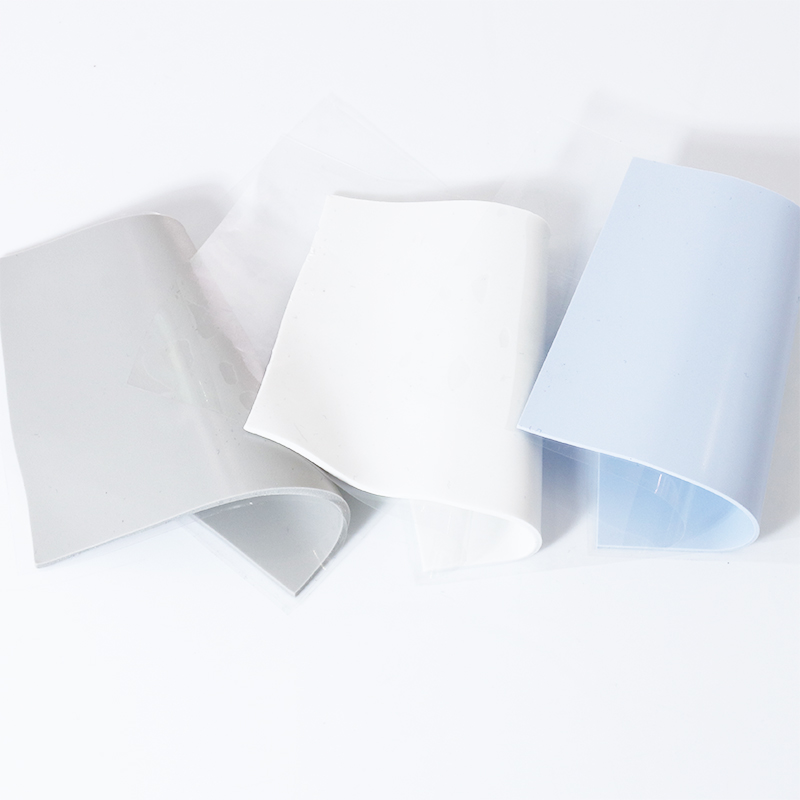
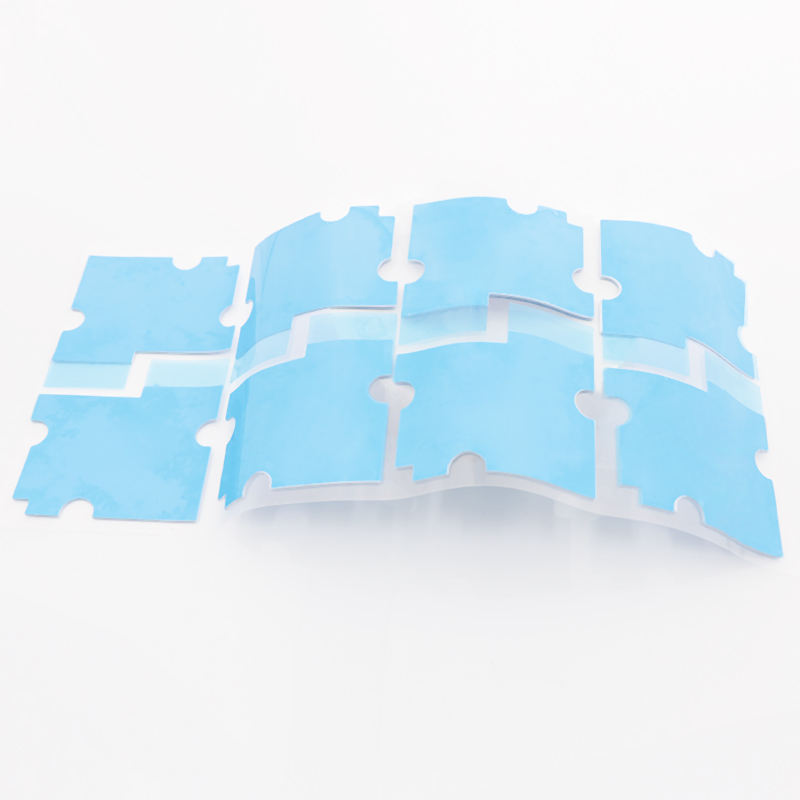
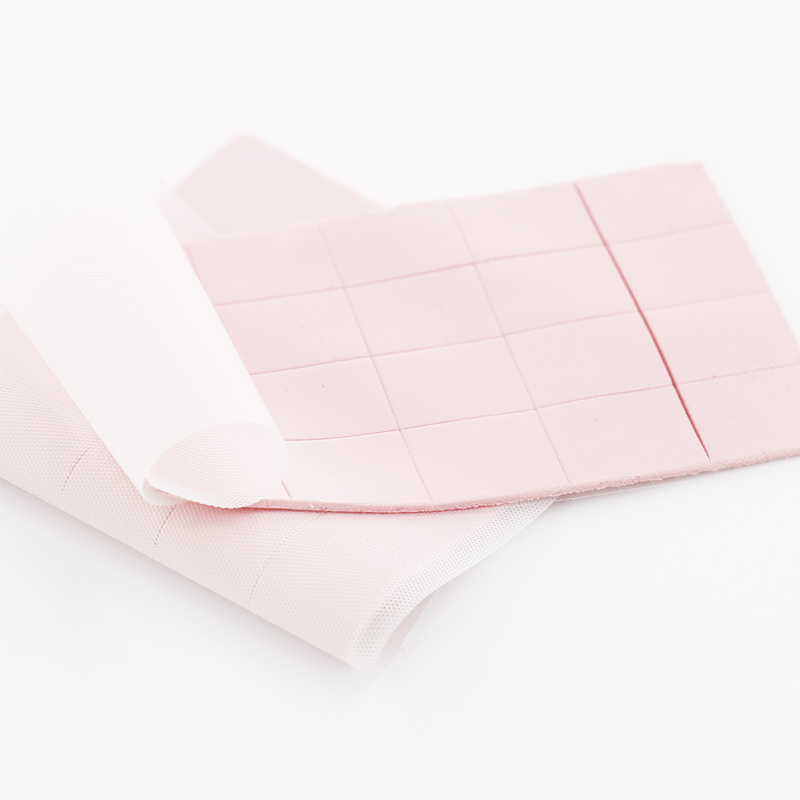
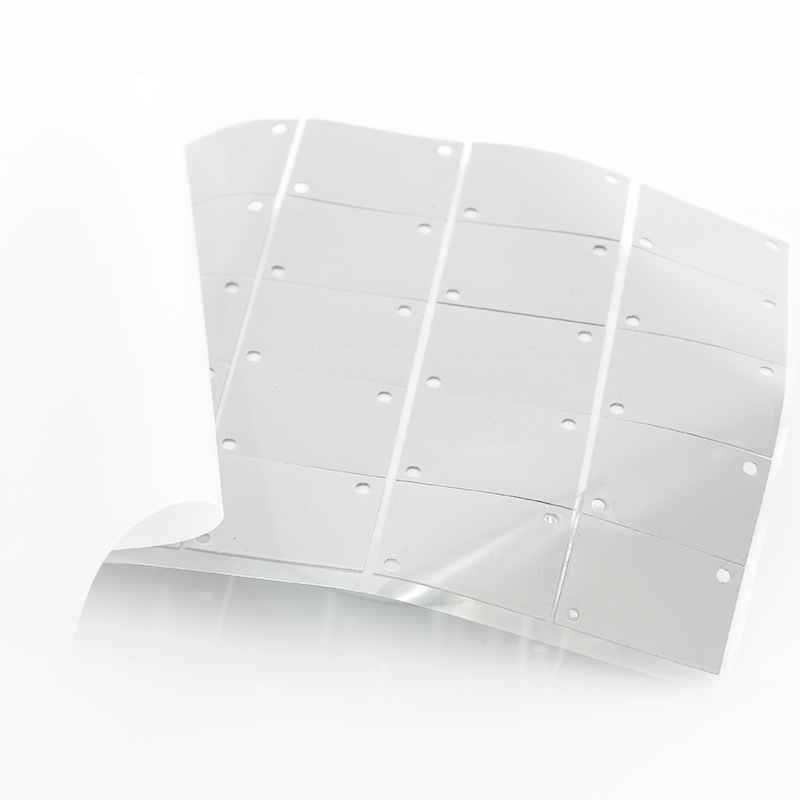
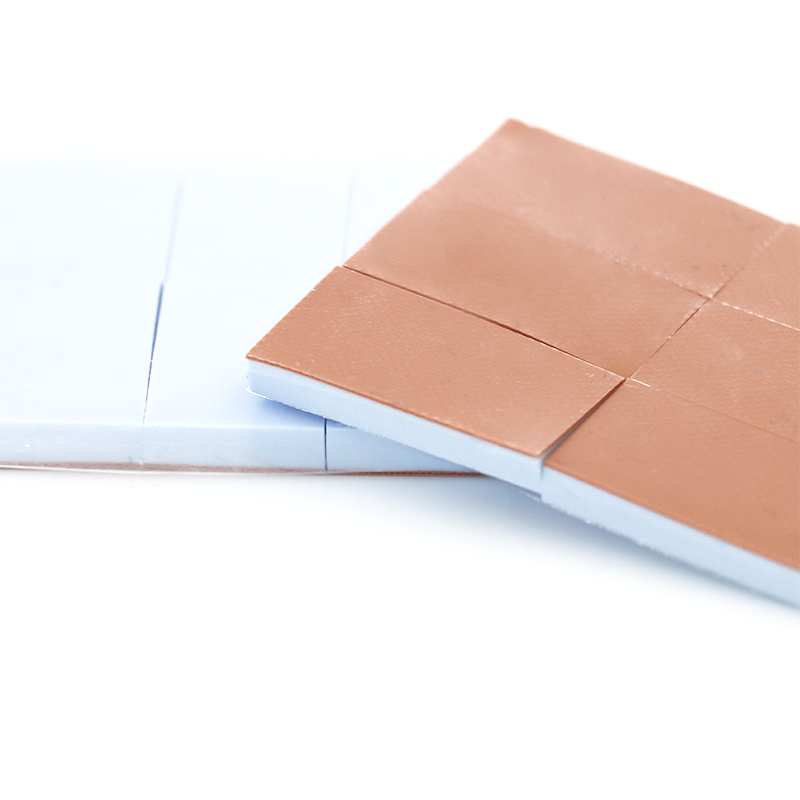
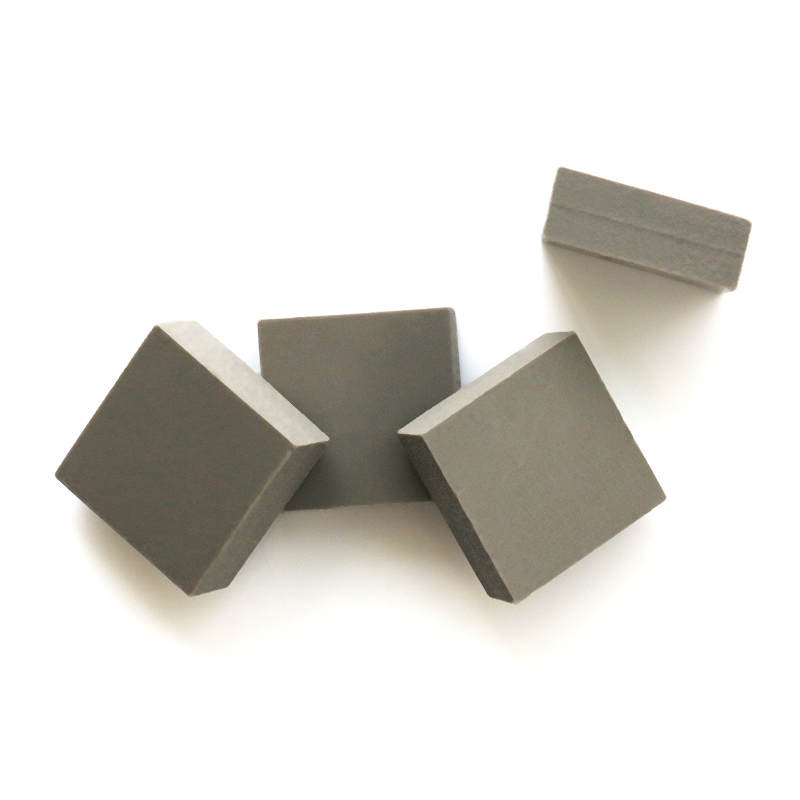
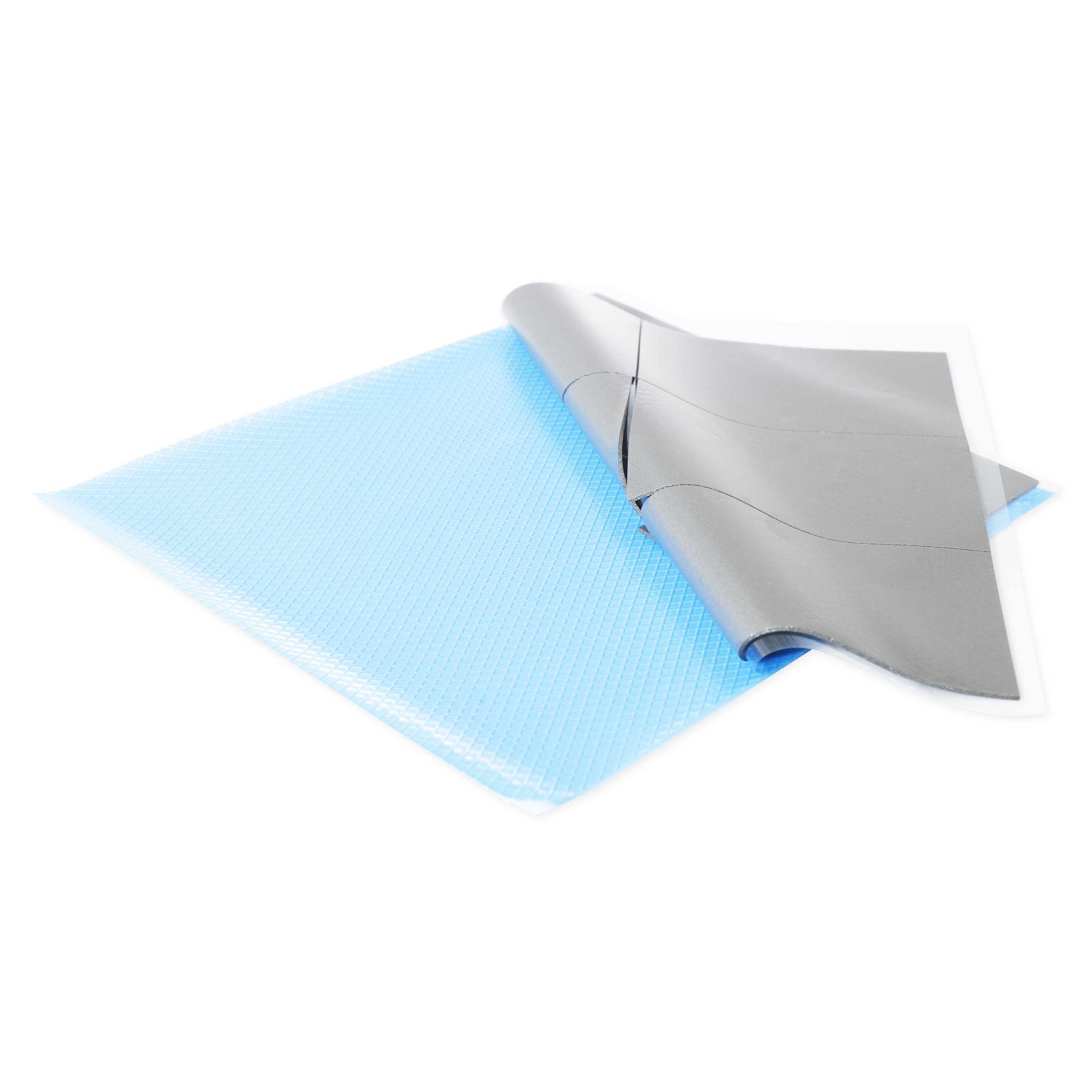
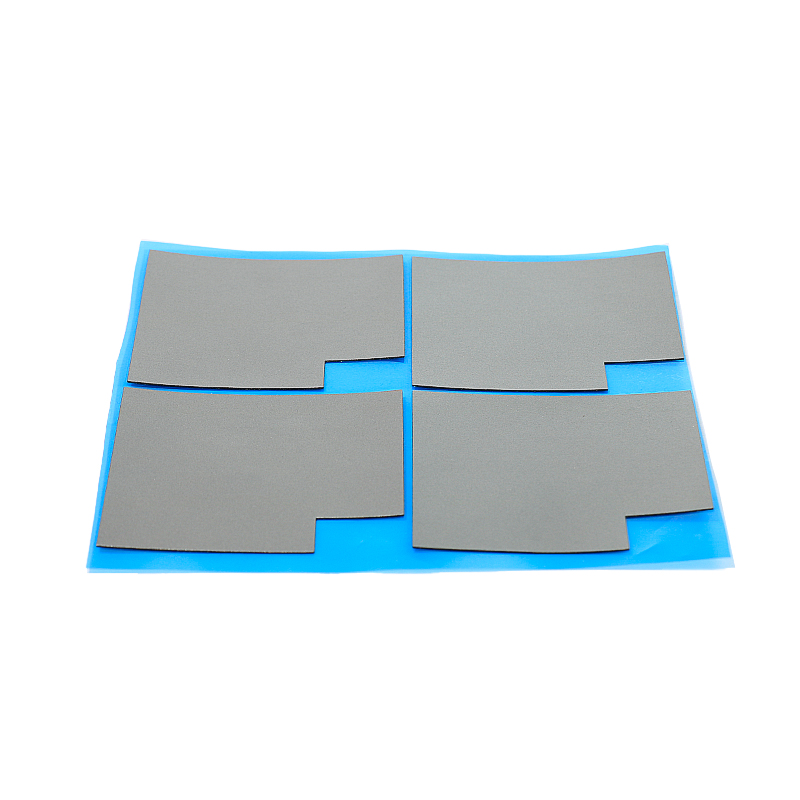
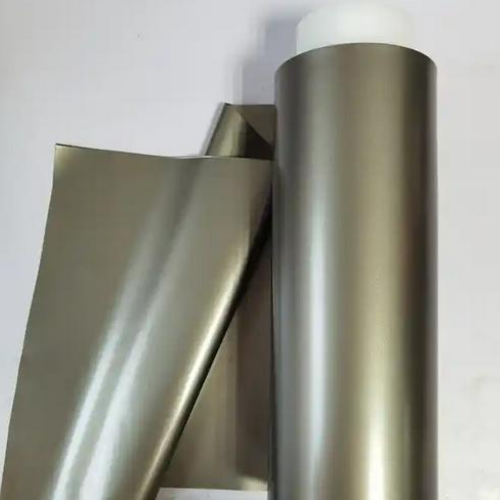
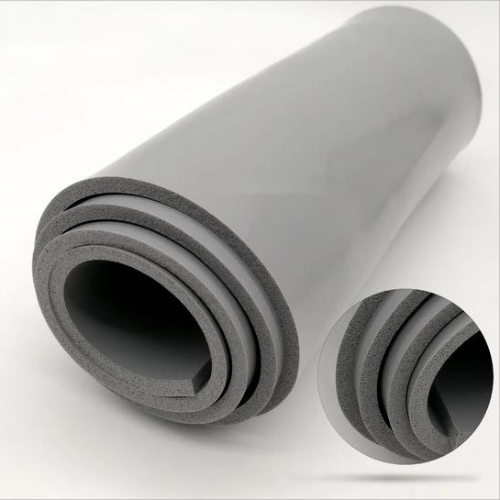
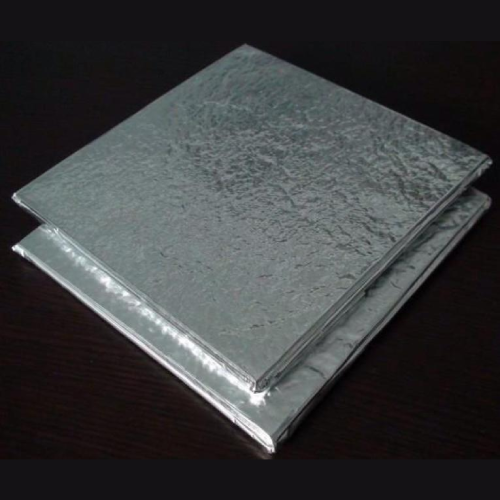
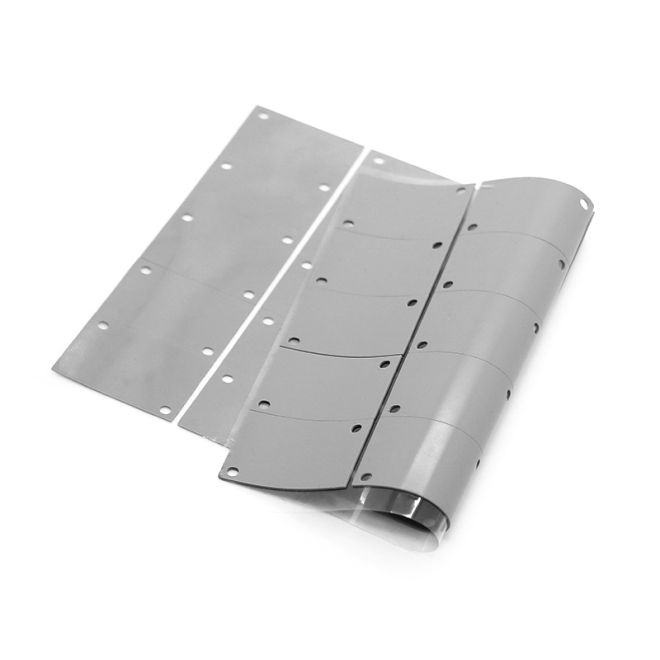
Thermal pads are soft, solid sheets that fill air gaps between hot chips and heat sinks. They offer stable performance, electrical insulation, and easy placement.
- Ideal for uneven surfaces and larger gaps
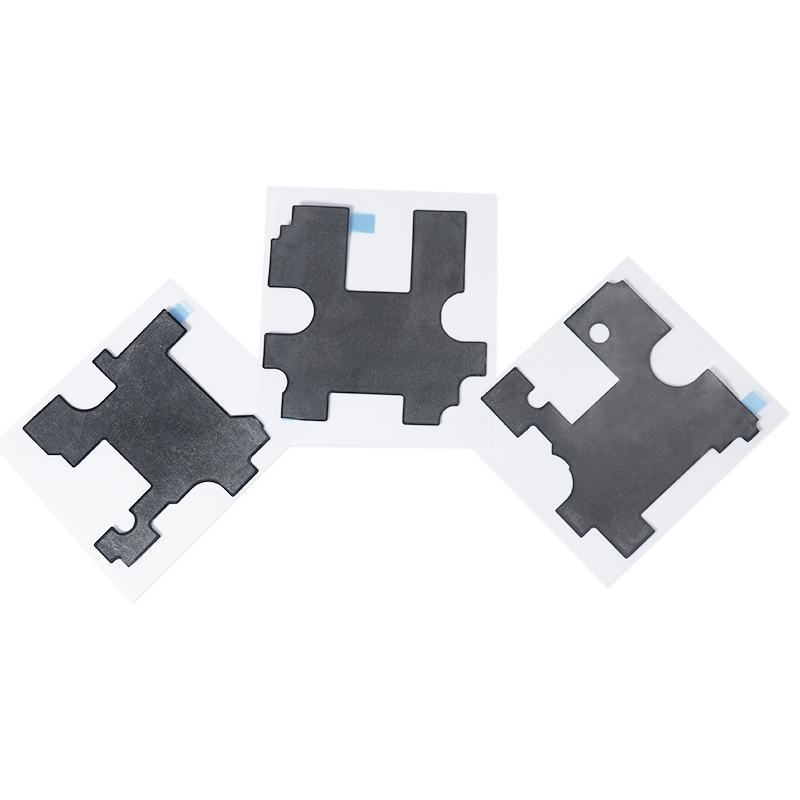
- Pre-cut or cut-to-size for custom layouts
- Great for laptops, routers, set-top boxes, and LED drivers
2. When to Use Thermal Paste
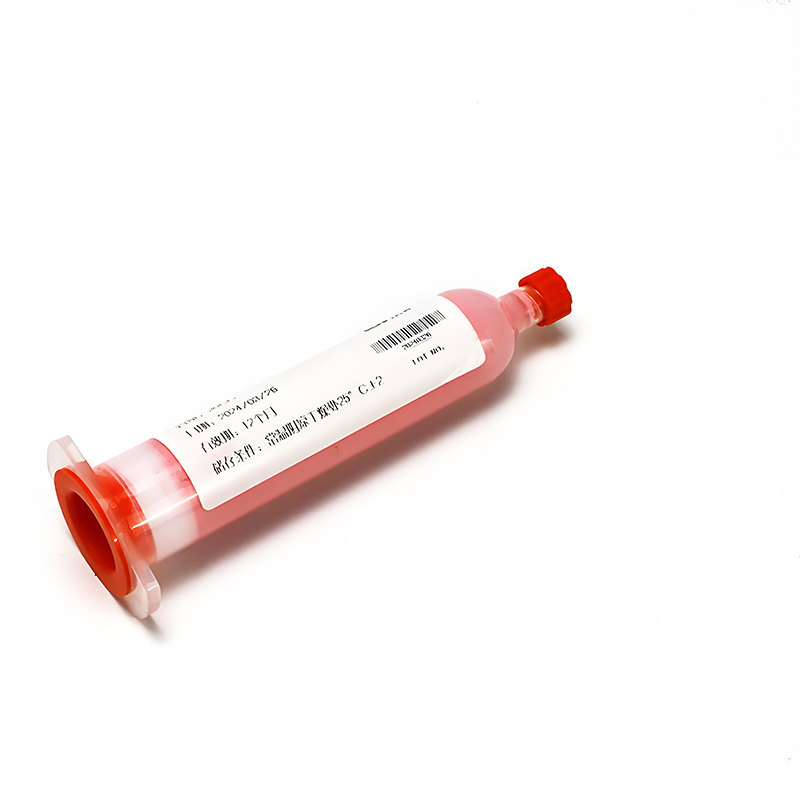
Thermal paste fits high-pressure, smooth interfaces like desktop CPUs and GPUs. It spreads into microscopic gaps and delivers very low thermal resistance when applied correctly.
- Needs careful application and cleanup
- Best where you can control mounting pressure
- Not ideal for big height differences between components
3. Pros of Heat Conductive Pads for Devices
Heat conductive pads simplify mass assembly and field repair. They keep performance stable across shock, vibration, and moderate compression changes over time.
| Benefit | Impact on Devices |
|---|---|
| Easy alignment | Faster assembly, fewer errors |
| Electrical insulation | Lower risk of short circuits |
| Gap filling | Better cooling on tall and short parts |
4. Key Factors When Switching from Paste to Pads
Measure gaps, check surface flatness, and confirm required thermal conductivity. Choose hardness and thickness to balance contact, compression, and mounting force.
- Verify pad can compress 10–30% under normal screws
- Match pad conductivity to chip power
- Test one device first, then scale to full production
• 📏 Measuring Gaps and Surfaces to Determine Proper Pad Thickness
Correct pad thickness ensures strong contact without bending boards. Measure the gap carefully so the pad compresses slightly but does not overload components.
Use feeler gauges, modeling clay, or 3D CAD to confirm variation between high and low points before choosing your final thickness range.
1. Tools for Accurate Gap Measurement
Simple tools help you avoid guesswork. Aim for consistent readings at multiple board locations, especially around hot chips and mounting holes.
- Feeler gauges for direct gap checks
- Digital calipers for stack-up height
- Clay or soft tape to record compressed gaps
2. Recommended Compression Range
Most silicone thermal pads perform best when compressed about 10–30%. This range balances good contact with safe mechanical pressure on your PCB.
| Nominal Gap (mm) | Suggested Pad (mm) | Approx. Compression |
|---|---|---|
| 0.8 | 1.0 | 20% |
| 1.2 | 1.5 | 20% |
| 1.6 | 2.0 | 20% |
3. Handling Uneven and Multi-Level Surfaces
For surfaces with tall and short components, choose a softer pad and enough thickness to cover the tallest point without losing contact on lower parts.
- Group components by height zones
- Use different pad thicknesses where needed
- Avoid bending the PCB to “force” contact
4. Verifying Pad Fit in Prototypes
Always build a physical sample. After torqueing screws, open the device to inspect pad imprint and contact across all target components.
- Look for uniform impression patterns
- Check device temperature with stress tests
- Adjust pad thickness or hardness if hotspots remain
• 🌡️ Matching Thermal Conductivity to Your Device’s Heat Output
Thermal conductivity, rated in W/m·K, should match chip power and cooling path length. Higher power or tight spaces usually need higher-conductivity pads.
Balance performance with cost: use high-performance pads only where heat density or safety margins truly require them.
1. Low to Medium Power Devices
Routers, set-top boxes, and IoT hubs often run cooler, so moderate conductivity pads usually work well when gaps and mounting are correct.
- Conductivity: 3–5 W/m·K
- Focus on full contact and proper thickness
- Watch long-term reliability in warm rooms
2. High Power and Compact Designs
Gaming consoles, mini PCs, and LED drivers pack high heat into small spaces. They benefit from higher-conductivity pads and well-designed heat sinks.
- Conductivity: 6–12 W/m·K
- Use robust heat spreaders or vapor chambers
- Test at maximum ambient temperature
3. Choosing Between 3W, 8W, and 12W Pads
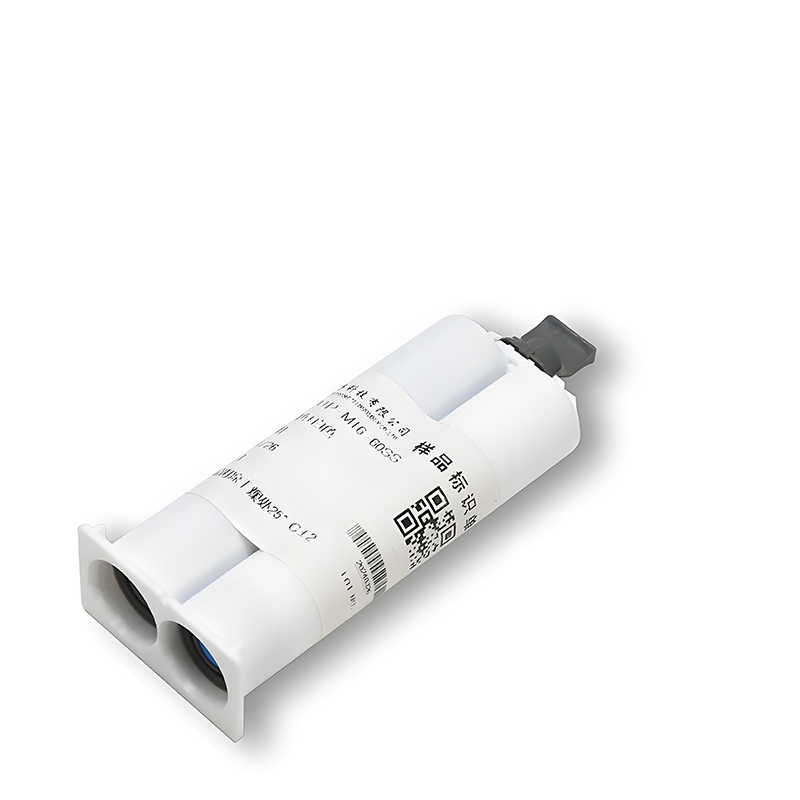
Use a 3W/mk Low Volatile Thermal Pad HRTP-M16-T03060NV Series for moderate loads, an 8W/mk Low Volatile Thermal Pad HRTP-M16-T080NV Series for hotter chips, and a 12W/mk Low Volatile Thermal Pad HRTP-M16-T12065NV Series when you need maximum cooling within tight layouts.
• 🧱 Choosing the Right Hardness and Flexibility for Easy Installation
Pad hardness affects how easily it compresses to fill gaps. Softer pads conform better; firmer pads resist damage and support repeated assembly.
Match hardness to screw force, board stiffness, and component sensitivity to avoid cracked solder joints or warped PCBs.
1. Soft Pads for Fragile Components
Soft pads suit thin PCBs and tall, delicate packages. They spread load across more area and lower stress at each solder joint or connector.
- Good for thin tablets and small IoT devices
- Help with large gap tolerances
- Allow easier rework without damage
2. Medium Hardness for General Electronics
Medium-hard pads balance handling strength and conformity, making them a strong default for consumer electronics, routers, cameras, and power adapters.
| Hardness | Use Case |
|---|---|
| Soft | Thin boards, uneven gaps |
| Medium | Most consumer products |
| Firm | Heavy heat sinks, stable gaps |
3. Firm Pads for Rugged or Heavy Assemblies
Firm pads stabilize tall heat sinks or metal covers in rugged designs. They resist tearing under shock, vibration, and repeated opening of the enclosure.
- Great for industrial controllers
- Support heavier metal lids
- Need accurate gap control to avoid excess force
• ✅ Why SpringGrass Heat Conductive Pads Suit Most Consumer Electronics Devices
SpringGrass thermal pads combine strong heat transfer, low volatility, and consistent mechanical properties, making them versatile for a wide range of consumer devices.
They support neat assembly, stable long-term performance, and safer operation under continuous thermal cycling and everyday handling.
1. Low Volatile Formulation for Cleaner Devices
Low volatile pads help reduce outgassing that can fog lenses or contaminate sensors. This protects cameras, displays, and optical modules over long service life.
- More stable in sealed housings
- Better for smart home cameras
- Supports higher product quality perception
2. Wide Performance Range for Different Heat Levels
From moderate-power routers to high-power mini PCs, SpringGrass offers several conductivity levels so you can optimize each product zone, not just the worst hotspot.
- 3W/m·K for low to medium heat
- 8W/m·K for compact, warmer areas
- 12W/m·K for top-tier hotspot control
3. Optimized for Mass Production Assembly
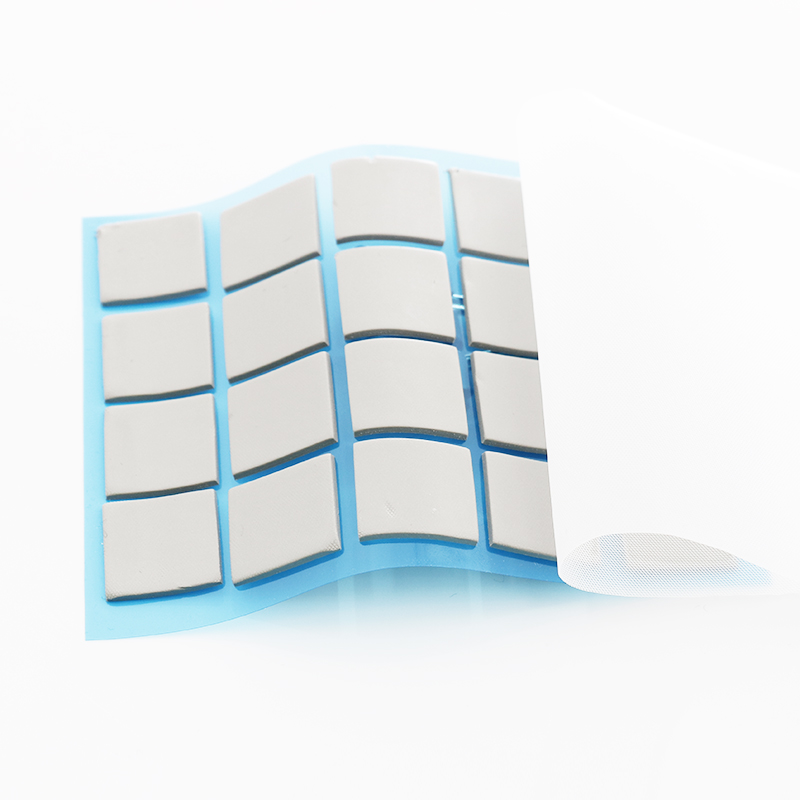
SpringGrass pads ship in sheets or custom shapes, peel easily from liners, and maintain size during placement, which suits automated or semi-automated assembly lines.
- Stable tack for pick-and-place or manual work
- Consistent thickness across batches
- Supports fast, repeatable builds
Conclusion
Choosing the right heat conductive pad means matching thickness, hardness, and thermal conductivity to your device’s real gaps and heat output. Careful testing avoids hotspots and mechanical stress.
By measuring accurately, validating prototypes, and selecting suitable SpringGrass pads, you can improve device reliability, user comfort, and long-term performance in a cost-effective way.
Frequently Asked Questions about heat conductive pad
1. How do I know which thermal conductivity I need?
Estimate chip power and check temperature targets. Start with mid-range pads, test under full load, then move to higher conductivity if temperatures remain too high.
2. Can I stack thermal pads to fill a large gap?
You can stack pads, but it often increases thermal resistance. Where possible, use a single thicker pad and adjust mechanical design for better performance.
3. How long do heat conductive pads usually last?
Quality pads often last many years if kept within rated temperature and compression. Regular thermal testing during design helps ensure long-term stability.
4. Are thermal pads electrically insulating?
Most silicone-based thermal pads are electrically insulating but thermally conductive. Always check the datasheet and avoid direct contact with high-voltage traces if uncertain.
5. When should I choose pads instead of thermal paste?
Use pads when surfaces are uneven, gaps are large, or the device needs fast, clean assembly and easy rework, especially in consumer electronics and IoT products.





 Privacy settings