


.png)


.png)



Your gadgets run hotter than your coffee, and every game night turns into a mini volcano test. You’ve heard of adhesive thermal pads, but choosing one feels like defusing a bomb with a butter knife.
This guide shows you how sticky thermal pads safely move heat away from chips, keep electronics cooler, and prevent surprise shutdowns. Backed by NREL’s thermal management research, you’ll learn what to buy, where to stick it, and how to avoid gooey disasters.
🔥 What Are Adhesive Thermal Pads and How Do They Work?
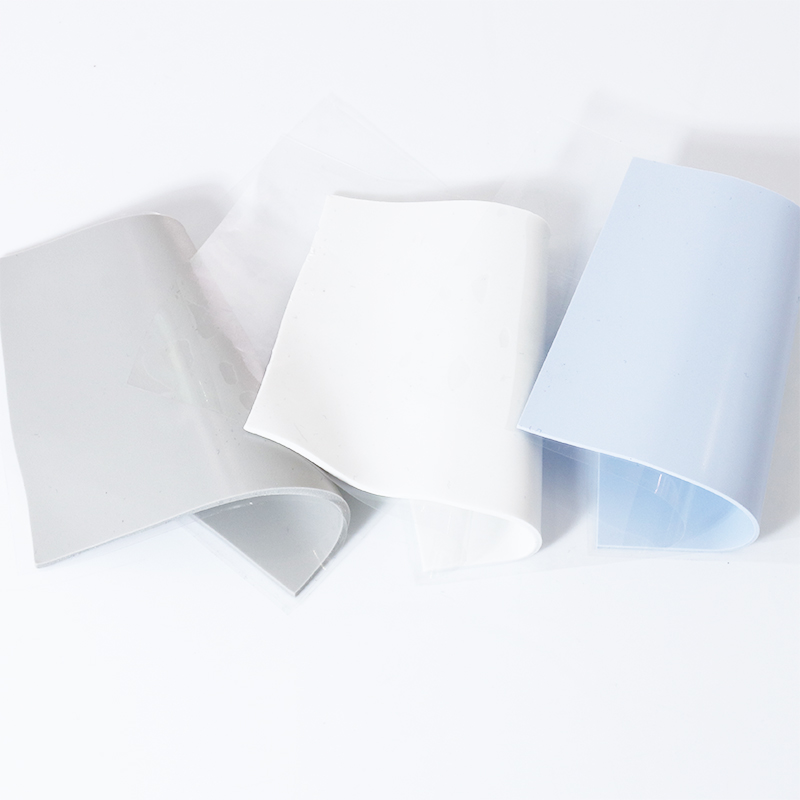
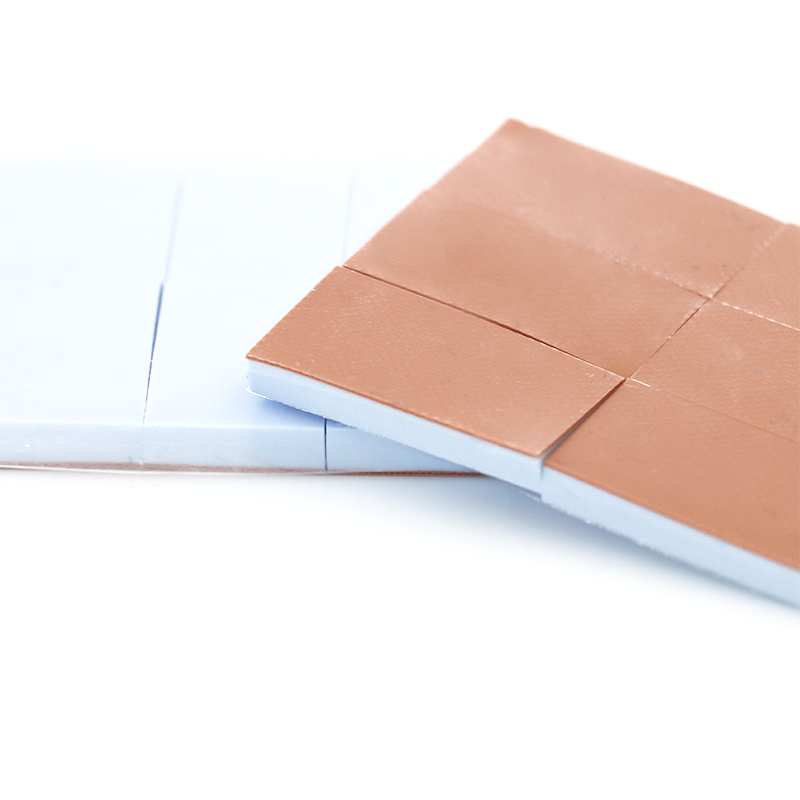
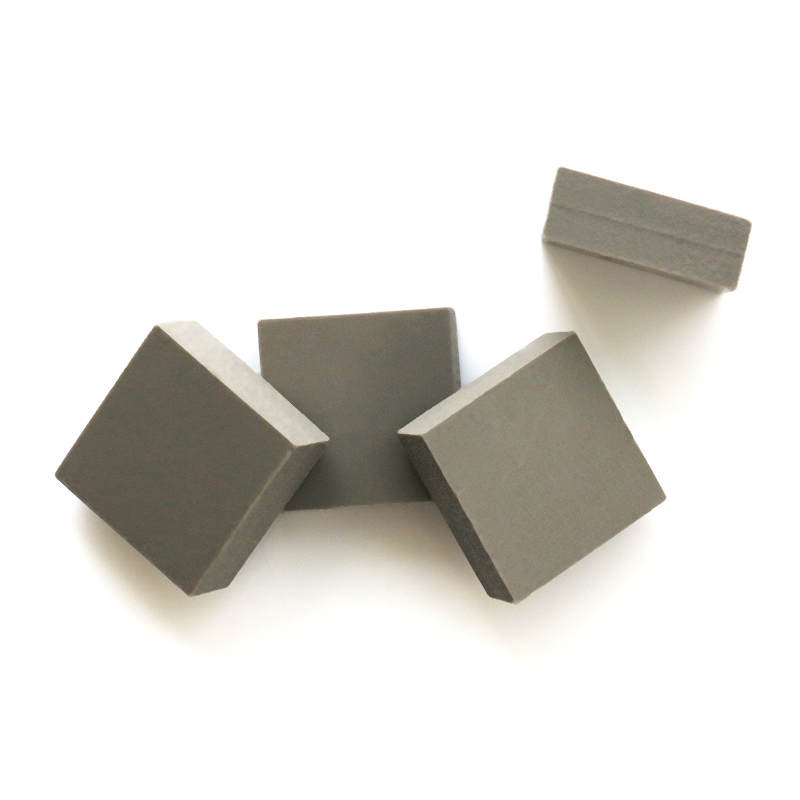
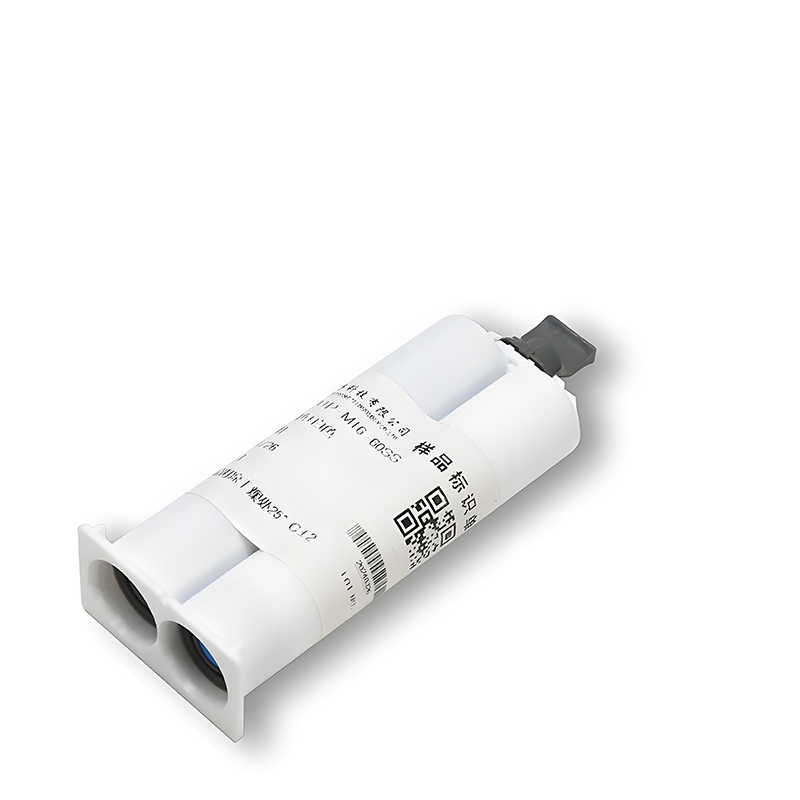
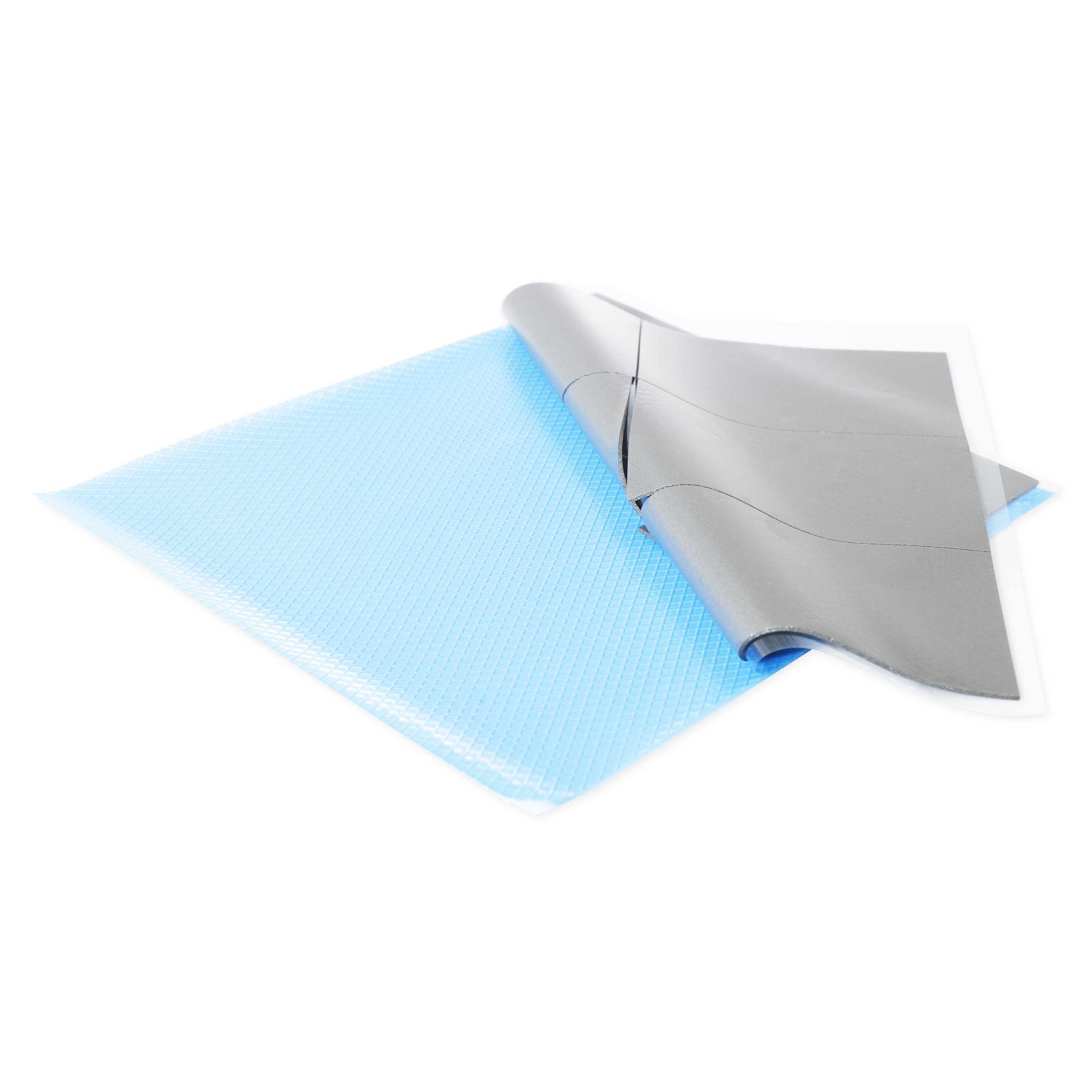
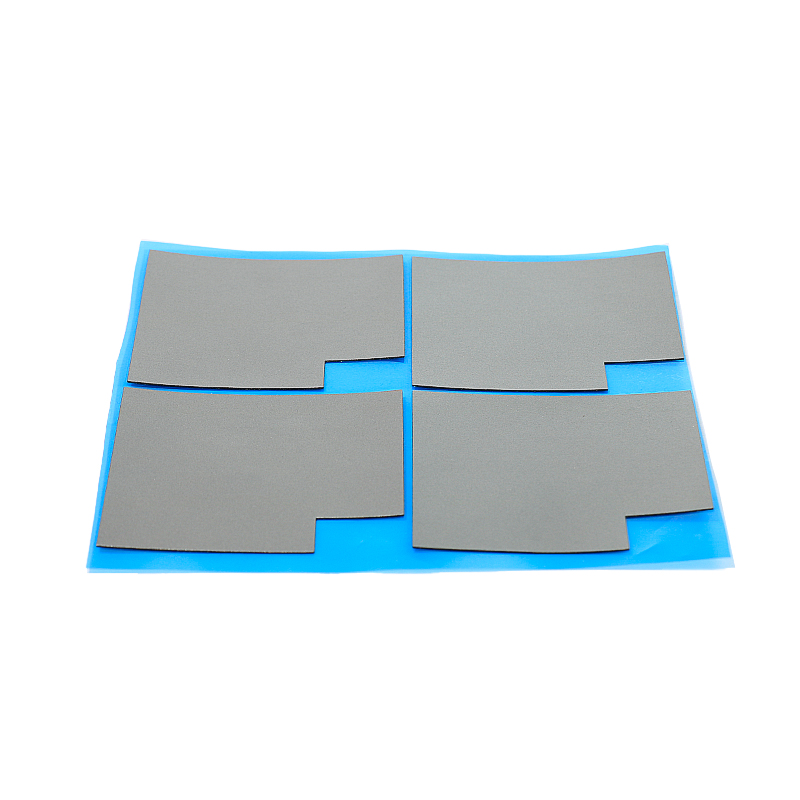
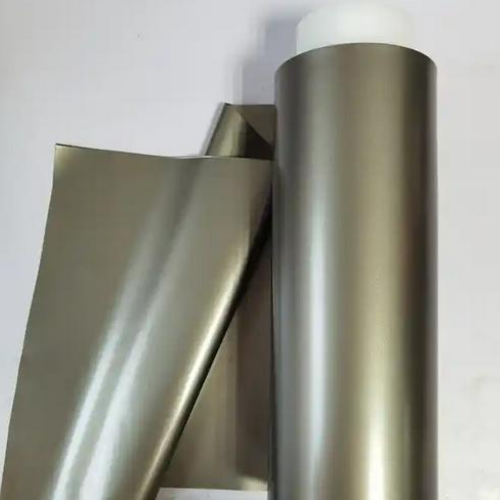
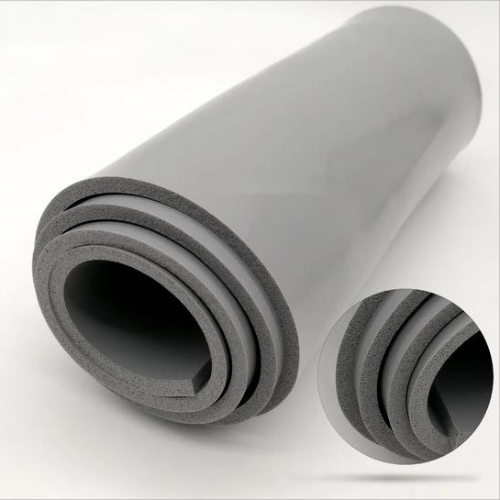
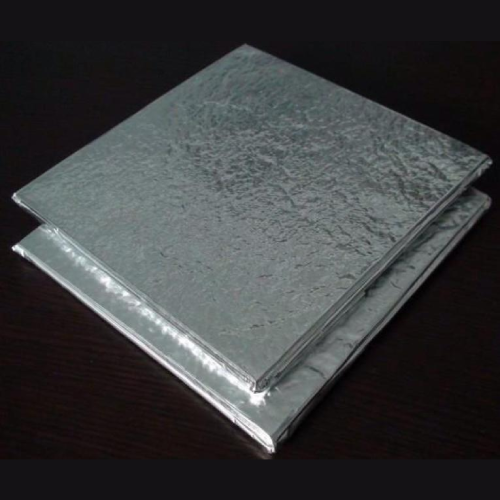
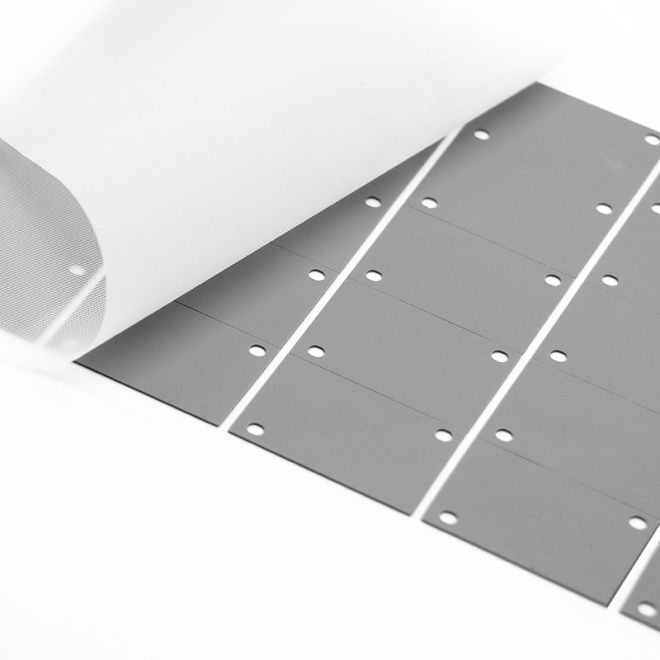
Adhesive thermal pads are soft, gap-filling sheets that move heat from hot chips to heatsinks. They replace messy thermal grease and give stable, repeatable performance.
They work by filling air gaps between uneven surfaces. The pad conforms under light pressure, creating a wide contact area that lets heat flow quickly and safely.
1. Basic Structure and Layers
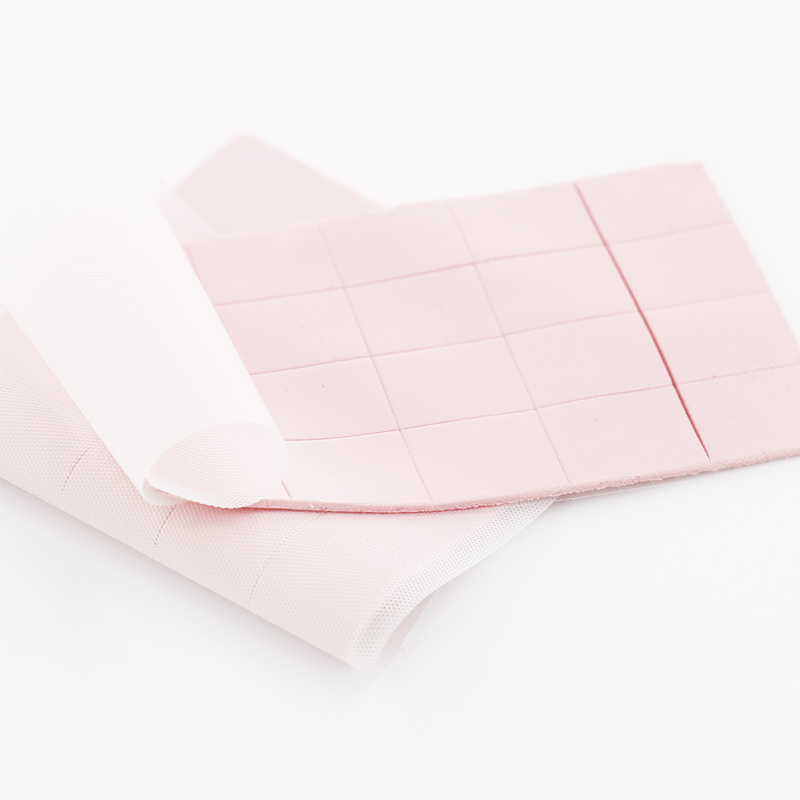
Most pads use a silicone or polymer base loaded with ceramic or metal particles. One or both sides carry a tacky or film adhesive for easy bonding.
- Base: silicone, rubber, or special polymer
- Fillers: ceramic, aluminum oxide, or others
- Adhesive: one-side or double-side
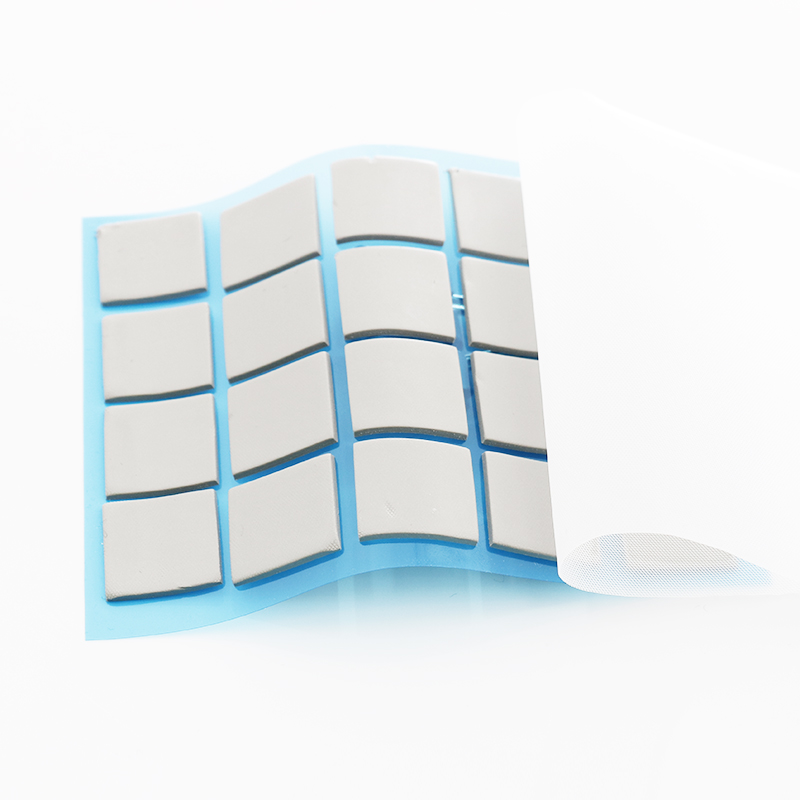
- Protective liners: removed before assembly
2. How Heat Flows Through the Pad
Heat moves from the device into the pad, then into the heatsink or case. Shorter paths and higher thermal conductivity reduce temperature rise and improve reliability.
- More contact area = less thermal resistance
- Higher conductivity = better heat spreading
- Correct thickness = balanced gap fill and cooling
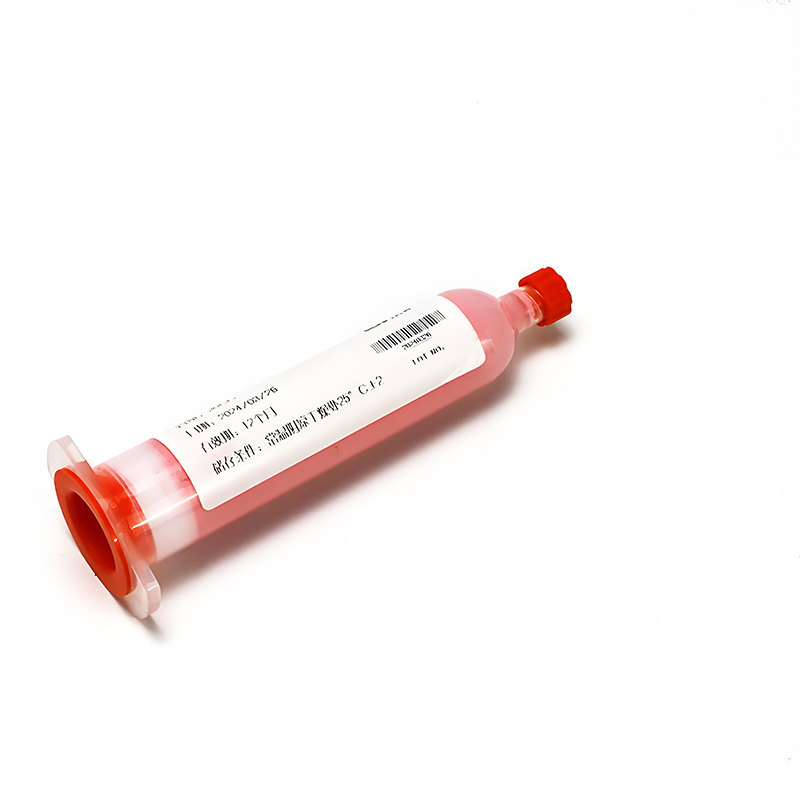
3. Main Advantages Over Thermal Grease
Adhesive pads offer clean, fast assembly and stable performance over time, with far less mess and rework risk than pastes or greases.
| Feature | Adhesive Pad | Grease |
|---|---|---|
| Cleanliness | Very clean | Messy |
| Rework | Simple peel | Requires cleaning |
| Automation | Easy | Harder |
4. Typical Applications in Electronics
Adhesive thermal pads support compact devices that need safe, silent cooling with precise, repeatable assembly.
- Power modules and MOSFETs
- CPUs, GPUs, baseband chips
- LED drivers and light engines
- Automotive ECUs and telecom boards
💧 Key Material Properties: Thermal Conductivity, Thickness, and Softness Explained
Thermal conductivity, thickness, and softness work together to define heat performance and stress on components. Matching these values to your design is critical.
Use higher conductivity for hot chips, adjust thickness to fill gaps, and select softness to protect fragile parts during assembly and shock.
1. Comparing Thermal Conductivity Grades
Higher W/m·K pads move more heat but may cost more. Choose based on power density and target temperature margin, not only the highest value.
- 8 W/m·K: balanced cost and performance
- 10 W/m·K: for hotter power stages
- 12 W/m·K: for very high heat flux
2. Role of Pad Thickness
Thickness fills mechanical gaps and tolerances. Too thin leaves voids; too thick raises thermal resistance. Measure your stack-up first.
| Gap Size | Recommended Thickness |
|---|---|
| 0.2–0.4 mm | 0.5 mm |
| 0.5–0.8 mm | 1.0 mm |
| 0.9–1.5 mm | 1.5–2.0 mm |
3. Softness and Compression
Softer pads compress easier, lower contact resistance, and protect fragile solder joints. Harder pads may suit flat, rigid assemblies and higher clamping force.
- Low hardness: great for uneven or fragile parts
- Medium hardness: balanced choice
- High hardness: flat, robust surfaces
4. Low Volatile and Cleanroom Needs
Low volatile pads reduce outgassing that can fog optics or contaminate sensors. They support long life in closed housings and automotive or telecom gear.
- Less residue on lenses and covers
- Better electrical insulation stability
- Improved long-term reliability tests
🧊 Choosing Pad Thickness and Size for Different Electronic Components
Pick pad thickness to match real gaps and keep heat paths short. Size the pad to cover the hot area without blocking nearby parts.
1. CPUs, GPUs, and High-Power ICs
Use thin, high-conductivity pads on flat lids or integrated heatsinks for best temperatures while keeping assembly quick and repeatable.
- Thickness: 0.3–0.5 mm when surfaces are flat
- Pad size: slightly larger than die or lid
- Consider: 12W/mk Low Volatile Thermal Pad HRTP-M16-T12065NV Series
2. Power MOSFETs and Modules
These parts often sit under metal clips or large heatsinks. Pads must handle higher pressure and uneven gaps across multiple leads.
- Thickness: 0.5–1.0 mm to bridge tolerances
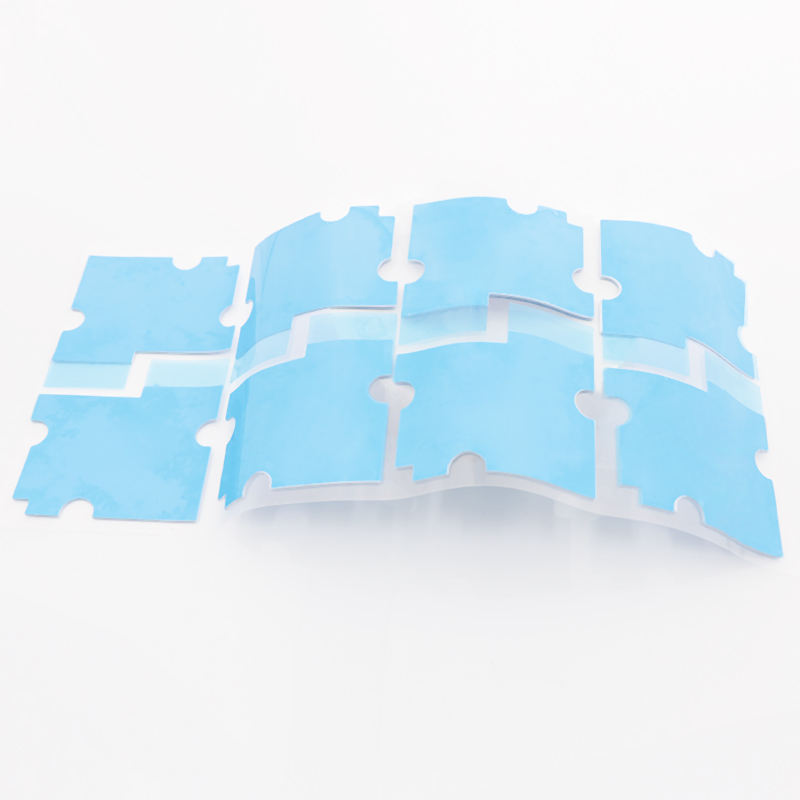
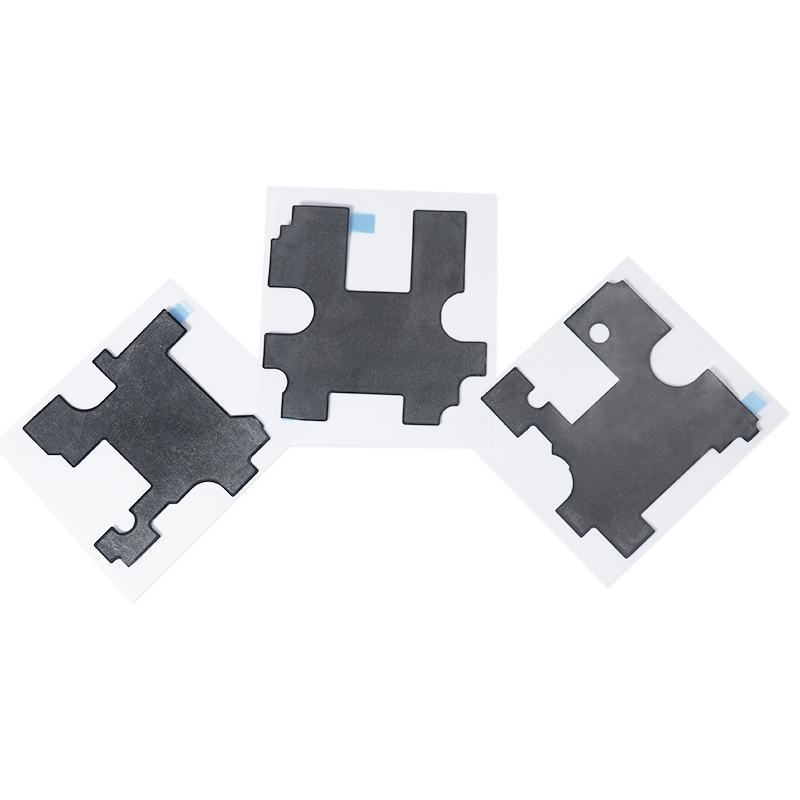
- Pad shape: custom shapes for groups of devices
- Look at: 10W/mk Low Volatile Thermal Pad HRTP-M16-T100NV Series
3. LEDs, Memory, and Small ICs
Compact parts need gentle pressure and good isolation. Softer pads help avoid damage when boards flex or face vibration.
| Component | Typical Thickness |
|---|---|
| LED boards | 0.3–0.8 mm |
| DRAM / Flash | 0.5–1.0 mm |
| Logic ICs | 0.5 mm |
🛠️ Step-by-Step Surface Preparation and Application for Best Heat Transfer
Good surface prep matters as much as pad choice. Clean, flat, and properly aligned surfaces cut thermal resistance and prevent early failures.
1. Cleaning and Inspecting Surfaces
Remove dust, oil, and old material before placing a new pad. This keeps the bond strong and prevents trapped air pockets.
- Wipe with lint-free cloth and isopropyl alcohol
- Inspect for scratches or burrs
- Ensure surfaces are dry before assembly
2. Cutting, Peeling, and Positioning the Pad
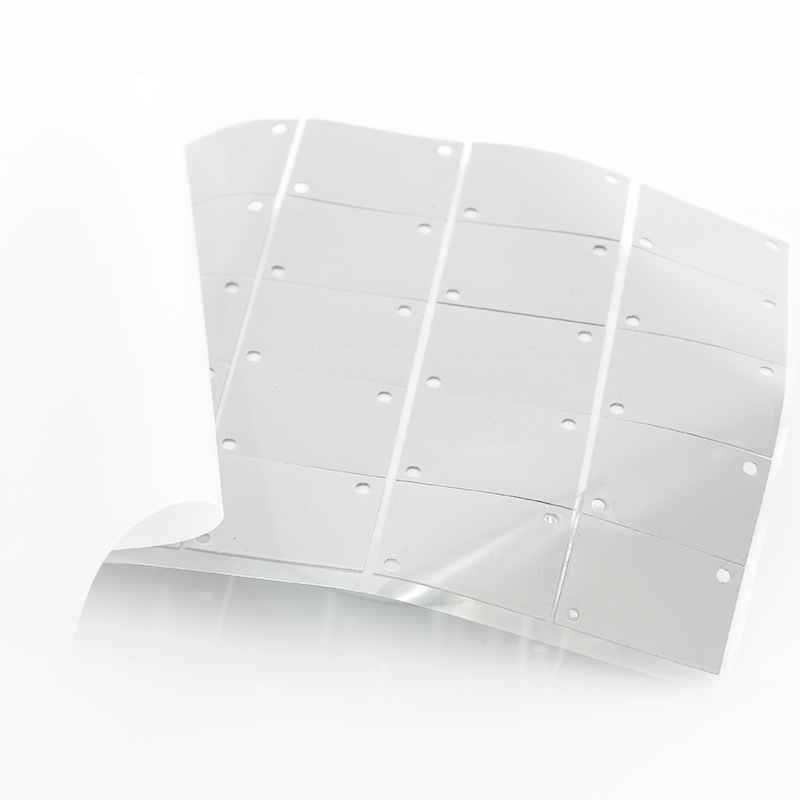
Cut pads with a sharp blade or die. Peel liners slowly and avoid touching the sticky surface to keep it clean.
- Pre-cut to match drawing where possible
- Align from one edge to avoid bubbles
- Do not stretch the pad during placement
3. Applying Pressure and Verifying Contact
Use even pressure from screws, clips, or lids. Check for full contact and correct compression based on the pad’s datasheet.
| Check Item | What to Confirm |
|---|---|
| Compression | Within rated range |
| Coverage | No exposed hot area |
| Rework | Replace pad if damaged |
🌱 Why SpringGrass Thermal Pads Enhance Reliability in Long-Term Electronics Cooling
SpringGrass pads combine low volatility, stable softness, and strong insulation. They support demanding automotive, telecom, and industrial designs under long service life.
1. Low Volatile Formulation for Clean Systems
Low volatile silicone systems limit outgassing that can cloud optics or damage coatings. This improves long-term clarity and insulation in sealed devices.
- Reduced fogging of lenses and covers
- Less residue on PCBs and housings
- Helps pass strict reliability tests
2. Balanced Performance Across Power Levels
SpringGrass offers multiple grades so you can match thermal needs and budget without redesigning the whole stack-up.
- General use: 8W/mk Low Volatile Thermal Pad HRTP-M16-T080NV Series
- Mid-high power: 10 W/m·K grade
- Very hot zones: 12 W/m·K grade
3. Support for Mass Production and Rework
Consistent hardness and tack help automated lines place pads accurately. Clean peel strength also makes rework easier without heavy cleaning.
| Benefit | Impact |
|---|---|
| Stable hardness | Predictable compression |
| Controlled tack | Accurate placement |
| Low residue | Faster rework |
Conclusion
Adhesive thermal pads give clean, repeatable cooling for modern electronics. By matching thermal conductivity, thickness, and softness to each component, you lower temperatures and protect sensitive parts.
Careful surface preparation, correct pad sizing, and low volatile materials help keep systems stable for years, even in harsh power, telecom, and automotive environments.
Frequently Asked Questions about adhesive thermal pad
1. Are adhesive thermal pads better than thermal paste?
They are better for clean, repeatable assembly and gap filling. Paste can offer slightly lower resistance on perfect surfaces but is messier and harder to control in volume.
2. Can I reuse an adhesive thermal pad?
Reuse is not recommended. Once compressed and peeled, pads can trap air or lose adhesion. Replace with a fresh pad after any rework.
3. How do I know which thickness to choose?
Measure the gap between the device and heatsink at several points. Choose a pad just thick enough to fill the largest gap under normal compression.
4. Do thermal pads conduct electricity?
Most silicone-based thermal pads, including many SpringGrass products, are electrically insulating. Always confirm breakdown voltage and insulation specs in the datasheet.
5. What storage conditions do thermal pads need?
Store pads flat, in original liners, in a cool, dry place away from dust and direct sunlight. Follow the supplier’s shelf-life guidance for best results.





 Privacy settings