


.png)


.png)




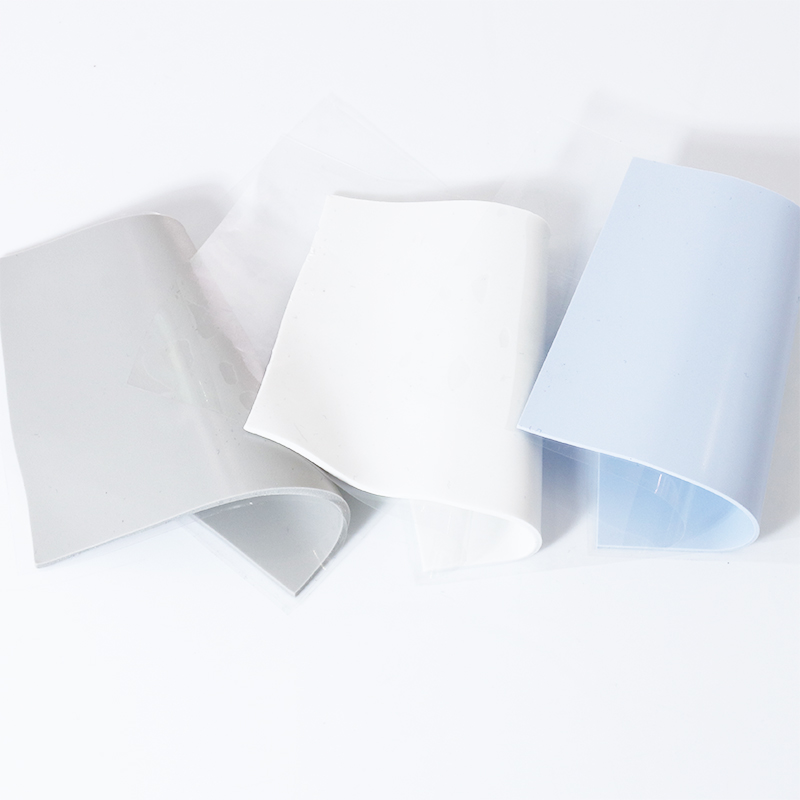
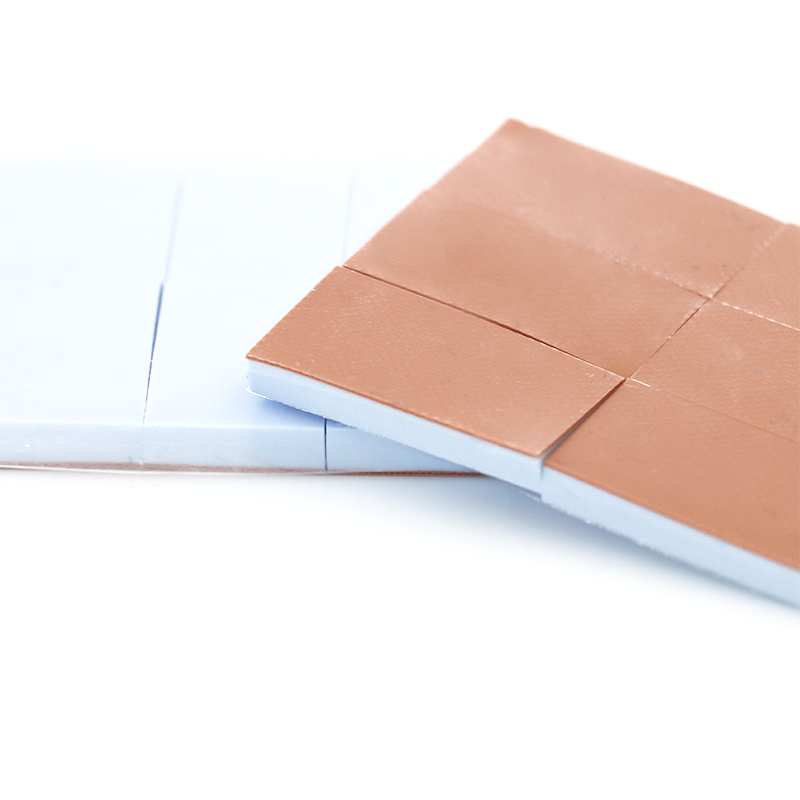
Picking thermal pad sheet thickness and hardness can feel like guessing your PC’s favorite mattress—too soft, it slouches; too hard, it sulks and overheats.
This guide shows simple steps to match pad specs to your components, backed by IEA thermal management insights so your system stays cool and stable.
🔧 Understanding Thermal Pad Thickness: Heat Transfer Paths and Contact Gaps
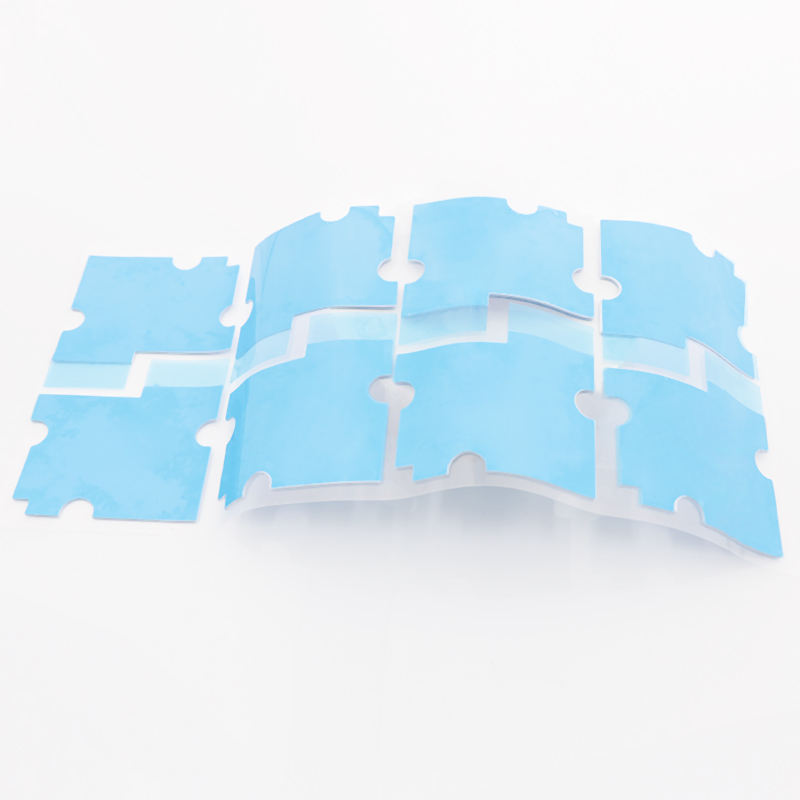
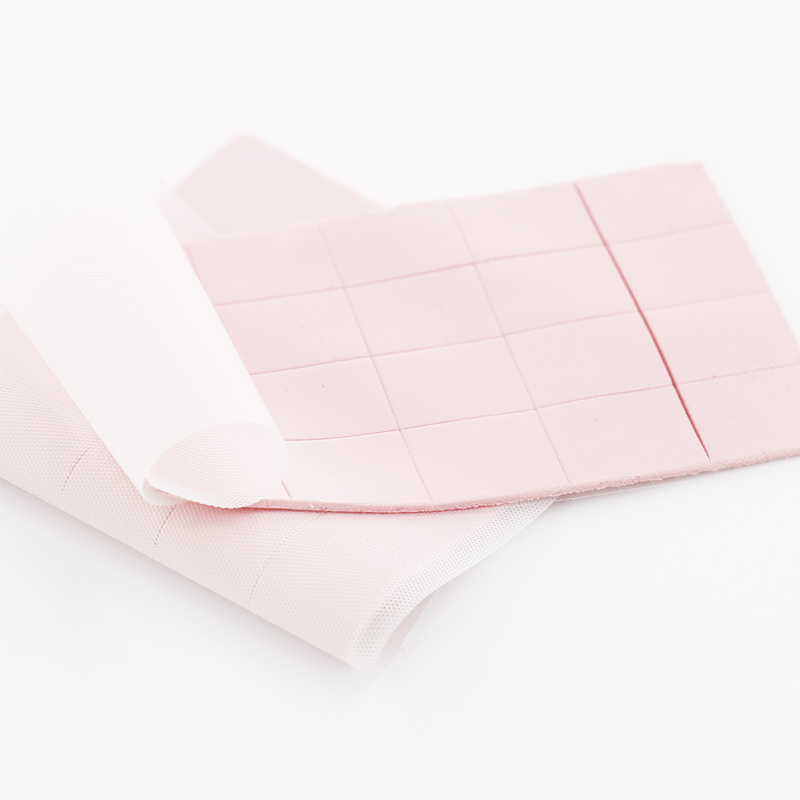
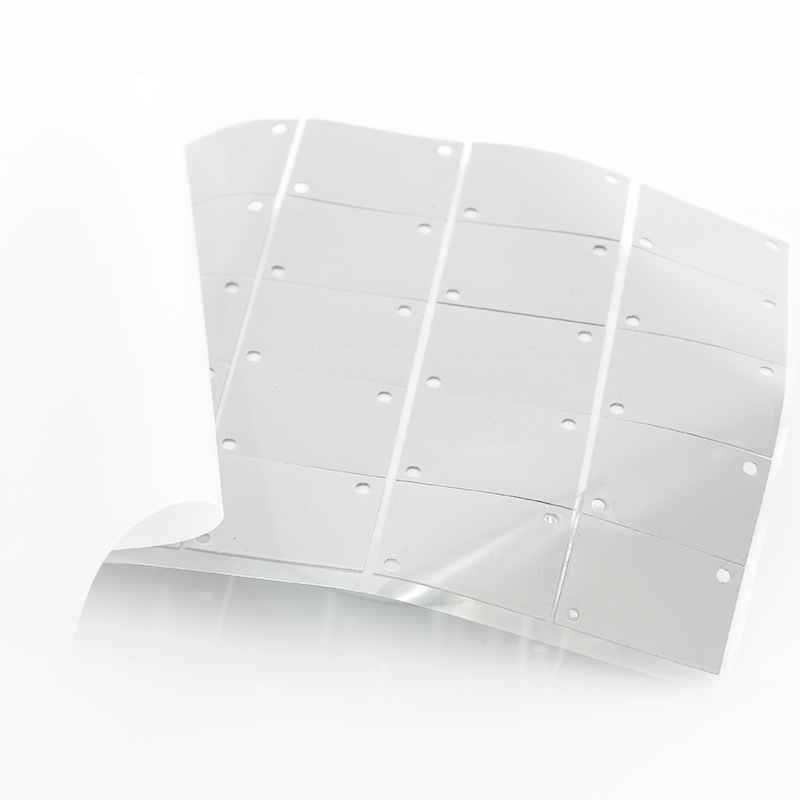
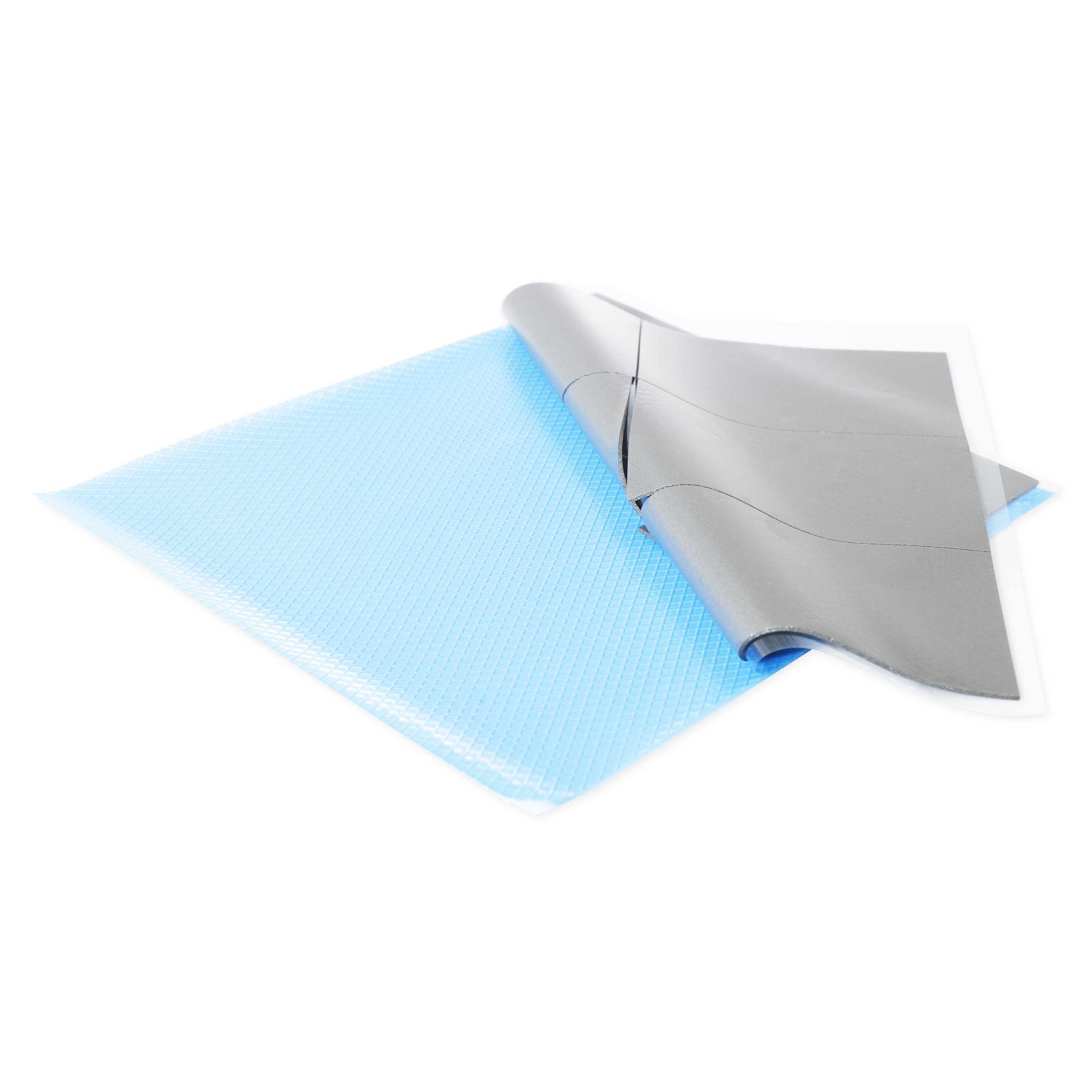
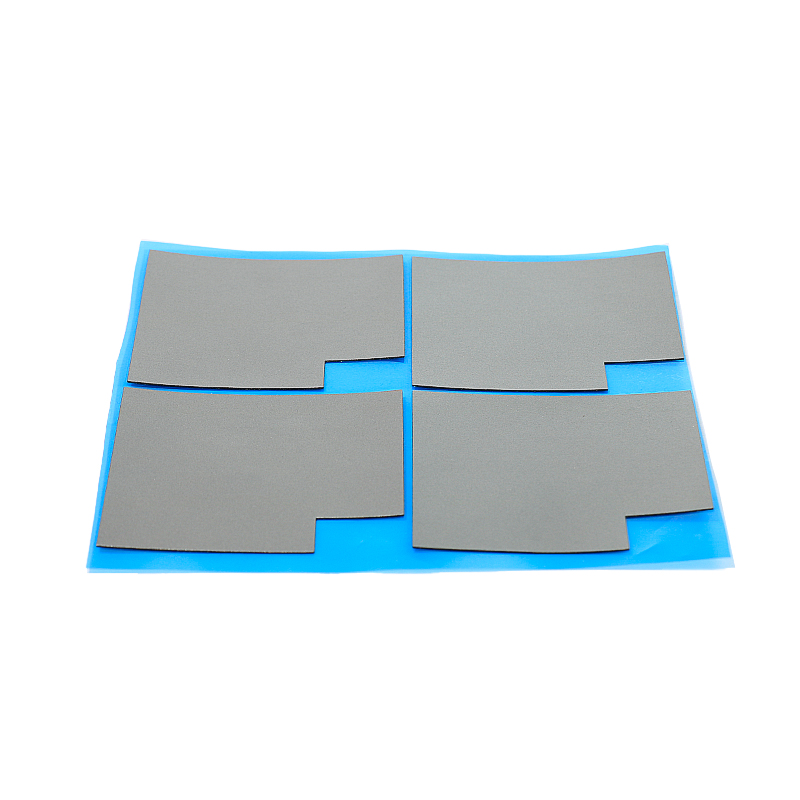
Thermal pad sheet thickness controls how well heat flows between hot components and heatsinks. Correct thickness reduces air gaps, improves contact, and keeps devices cooler and more stable.
If the pad is too thin, it will not bridge uneven surfaces. If it is too thick, thermal resistance rises. Always match thickness to real mechanical gaps.
1. How Thickness Affects Thermal Resistance
Thicker pads must move heat through more material, which increases thermal resistance. Use the thinnest pad that still fills all gaps and avoids mechanical stress.
- Thin pads: better heat transfer
- Thick pads: easier gap filling
- Target: balance both needs
2. Dealing with Surface Roughness and Warpage
Real PCBs and heatsinks are never perfectly flat. Slight warpage needs some pad “cushion” so heat can pass effectively without hotspots or gaps.
- Check bow or twist of the PCB
- Allow compression range in design
- Use softer pads for rough surfaces
3. Choosing Thickness by Gap Type
Use different thickness zones if possible. Large power parts may need thicker pads, while logic ICs close to the heatsink can use thinner pads.
| Gap Size | Typical Pad Thickness |
|---|---|
| 0.2–0.4 mm | 0.3–0.5 mm |
| 0.5–0.9 mm | 0.5–1.0 mm |
| 1.0–1.5 mm | 1.0–1.5 mm |
4. Selecting by Power Level and Material
Higher power density usually needs both higher conductivity and well-matched thickness. Consider material grade when setting your stack-up and thermal path.
- Low power: 1–1.2 W/m·K pads
- Medium power: 2–3 W/m·K pads
- High power: 4 W/m·K and above
📏 Measuring Component Gaps: Simple Methods to Select Proper Pad Thickness
Accurate gap measurement avoids guesswork and rework. You can combine feeler gauges, 3D files, and test builds to choose safe, effective pad thickness.
Always confirm values with a trial assembly before finalizing your thermal pad sheet specification for mass production or field use.
1. Using Feeler Gauges and Shims
Place a known shim or feeler gauge between component and heatsink, then fasten the system. The tightest blade that fits gives you a realistic gap size.
- Measure at several board corners
- Record min and max gaps
- Choose pad that compresses into this range
2. Reading Gaps from CAD and Stack-Up Data
Board thickness, component height, and chassis tolerances all add up. Use CAD data as a starting point, then apply a safety margin for real builds.
| Source | Data Used |
|---|---|
| PCB fab drawing | Board thickness and flatness |
| Component datasheet | Package height tolerance |
| Mechanical CAD | Heatsink and housing positions |
3. Using Compression Targets and Simple Testing
Most thermal pads perform best at 10–30% compression. Design your gap and pad choice so clamping force drives the pad into this range in real builds.
- Mark initial pad thickness
- Torque fasteners to spec
- Measure final gap or pad imprint
4. Data-Driven Comparison of Gap vs. Thickness
You can visualize how different pad thickness options perform across expected gap ranges. A quick bar chart clarifies which pad sizes give safe compression.
🧱 Choosing Pad Hardness: Balancing Compression, Support, and Thermal Performance
Pad hardness controls how easily the material compresses, fills uneven gaps, and supports fragile parts without bending circuit boards or stressing solder joints.
Match pad hardness to your clamping force, component fragility, and surface roughness. This helps achieve stable contact and long-term thermal reliability.
1. Soft Pads for Fragile Components
Use softer pads when components are tall, delicate, or sit near connectors. Soft pads spread force and protect parts from cracking or solder joint damage.
- Good for thin PCBs
- Ideal for tall BGA or memory
- Helps with warped boards
2. Medium Hardness for General Use
Most systems use medium-hard pads because they balance support and easy compression. They suit typical CPU, GPU, and power module cooling designs.
| Hardness | Application |
|---|---|
| Soft | Thin, flexible boards |
| Medium | Standard PCBs and chassis |
| Hard | Rugged, high-clamp systems |
3. Harder Pads for Rugged and Tight Systems
Harder pads suit high clamp loads and tight tolerances. They resist over-compression and keep a stable thermal path in harsh environments.
- Use with stiff metal frames
- Good for shock and vibration
- Check that surfaces are flat enough
⚙️ Application Scenarios: Optimal Thickness and Hardness for CPUs, GPUs, and Power Modules
Different devices stress pads in different ways. Match thickness and hardness to the power level, mounting style, and operating environment of each part.
This ensures your thermal pad sheet choice stays effective over time and under real workloads, not just in lab tests or simulations.
1. CPUs and Laptop Processors
CPUs need low resistance paths and moderate compression. Pads often support heat pipes or vapor chambers with tight, repeatable mounting pressure.
- Thin to medium thickness pads
- Medium hardness for stable contact
- Combine with good thermal grease if needed
2. GPUs and High-Power Graphics Cards
GPUs have many memory chips and VRM parts at different heights. Pads must bridge these gaps while avoiding PCB bow or pad pump-out.
| Component | Recommended Pad |
|---|---|
| GPU VRAM | Soft–medium, 0.5–1.0 mm |
| VRM MOSFETs | Medium, 1.0–1.5 mm |
| Backplate areas | Softer, thicker pads |
3. Power Modules and Industrial Drives
Power modules run hot and often live in harsh, vibrating places. Select robust pads with suitable thickness and hardness to lock in long-term performance.
- Use higher conductivity grades
- Allow 10–20% compression range
- Check performance across full temperature range
🌿 Why SpringGrass Thermal Pads Fit Most Professional and DIY Cooling Needs
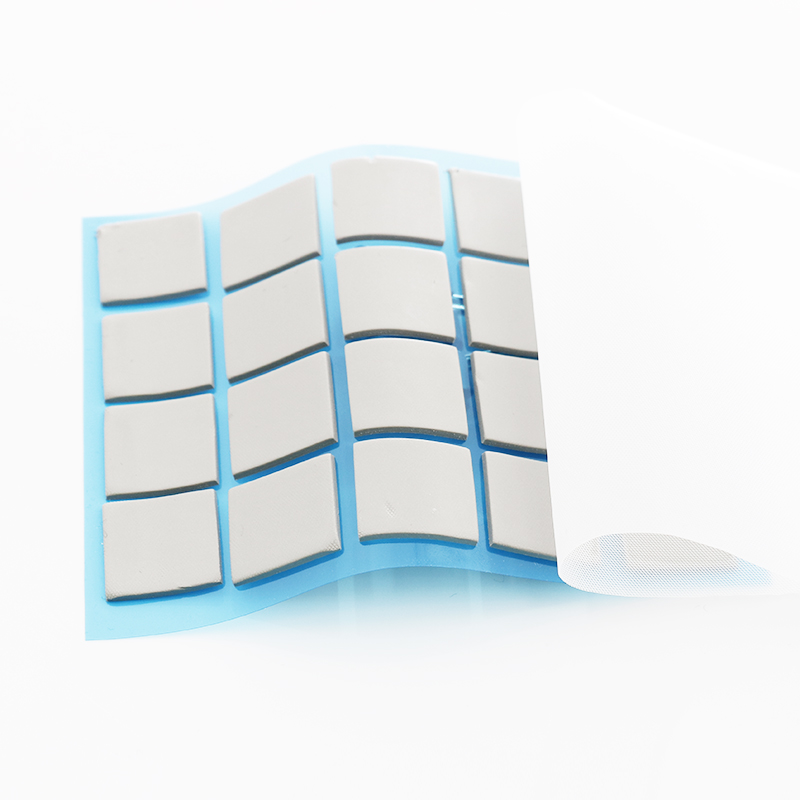
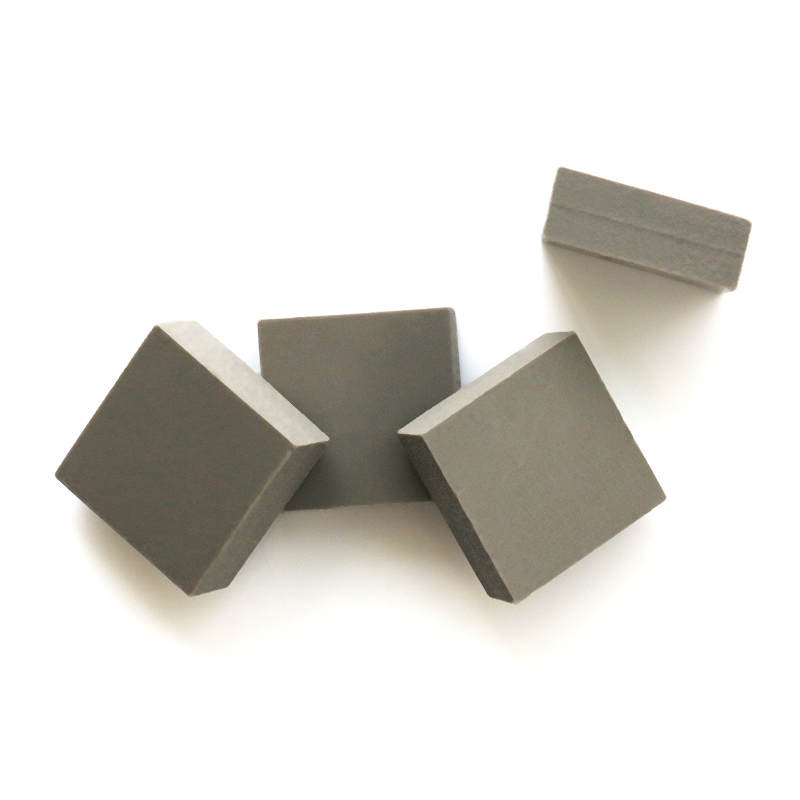
SpringGrass offers several thermal pad sheet series that cover a wide range of power levels, gap sizes, and mechanical conditions for modern electronics.
They support both serious engineering projects and DIY upgrades, giving reliable thermal contact with easy cutting, placement, and long-term stability.
1. Entry-Level and General Devices
For routers, set-top boxes, and light-duty electronics, the 1W/mk Thermal Pad HRTP-M16-T010 Series offers simple handling, safe compression, and good cost-performance for broad use.
2. Balanced Performance for Mainstream Systems
The 1.2W/mk Thermal Pad HRTP-M16-T01250NN Series suits typical PCs, embedded boards, and networking gear that need a bit more thermal headroom without complex design changes.
3. High-Conductivity Pads for Demanding Builds
For gaming GPUs, dense power stages, and compact industrial systems, the 4W/mk Thermal Pad HRTP-M16-T040 Series provides strong thermal conductivity with stable mechanical support.
Conclusion
Correct thermal pad sheet thickness and hardness come from real gap data, power levels, and mechanical limits. Thin, well-chosen pads improve cooling and protect components.
Measure gaps, set compression targets, and select suitable SpringGrass pad series. This approach delivers safer temperatures, longer device life, and fewer redesigns.
Frequently Asked Questions about thermal pad sheet
1. How do I know which thermal pad thickness to choose?
Measure your component-to-heatsink gap with shims or CAD data, then pick a pad that compresses about 10–30% within that range for solid contact.
2. Is a thicker thermal pad always better?
No. Thicker pads increase thermal resistance. Use the thinnest pad that still fills all gaps without stressing parts when you tighten the assembly.
3. Should I pick a soft or hard thermal pad?
Use softer pads for fragile components and warped boards. Choose medium or harder pads for rigid frames, strong clamping, and harsh environments.
4. Can thermal pads replace thermal paste on CPUs?
Thermal pads can replace paste in many designs, but paste often gives lower resistance on bare CPU dies. Some users combine both for best results.
5. How long do thermal pad sheets typically last?
Quality pads can last many years if used within their rated temperature and pressure ranges. Avoid repeated removal or contamination to keep performance high.





 Privacy settings