


.png)


.png)



Your gaming rig sounds like a jet engine, your FPS dips like a roller coaster, and you’re starting to suspect your CPU could fry an egg—yep, it’s time to talk thermal paste.
To fix this, choose a modern, high-performance thermal compound and apply it correctly, following guidance from trusted tests like Tom’s Hardware thermal paste comparison.
🔥 How Thermal Paste Affects Gaming CPU Temperatures and Frame Stability
Thermal paste fills tiny gaps between your CPU and cooler. A better paste lowers temperatures, boosts boost-clock stability, and keeps frame rates smoother during long gaming sessions.
1. Heat Transfer and Core Temperatures
Good thermal paste moves heat away from your CPU fast, so cores stay cooler under load and thermal throttling happens less often in demanding games.
- Lower peak temperatures
- More stable all-core boost
- Quieter fan speeds
2. Frame Rate Drops and Throttling
When paste fails, CPU temps spike and clocks drop. This causes sudden frame drops, stutters, and lower minimum FPS in CPU-heavy titles.
3. Longevity of Your Gaming CPU
Running hot all the time can age your CPU faster. Quality paste helps keep safe temps, protecting your chip over years of gaming.
4. Impact on Overclocking Headroom
Efficient paste gives overclockers extra thermal headroom, allowing slightly higher voltages or clocks while still staying under safe temperature limits.
🎯 Choosing the Right Thermal Paste Type for High-Performance Gaming Rigs
In 2025, picking the best thermal paste means balancing thermal performance, ease of use, and long-term stability for your specific gaming CPU and cooler.
1. Comparing Thermal Conductivity Ratings
Higher W/m·K usually means better heat transfer. Match paste performance to your CPU power and cooler quality for the best results.
| Paste Type | Typical W/m·K | Use Case |
|---|---|---|
| Basic silicone | ~1 | Entry-level gaming builds |
| Enhanced | ~2 | Mid-range CPUs |
| Performance | ~4 | High-end and overclocked rigs |
2. Matching Paste to CPU Power Draw
High-watt CPUs like modern i7, i9, or Ryzen 7/9 work best with performance pastes that can handle heavy boost and AVX workloads.
3. Considering Application Ease and Cleanup
Non-conductive, easy-to-spread pastes are safer for new builders. They clean off quickly and reduce risk of short circuits on the board.
4. SpringGrass Product Recommendations by Build Tier
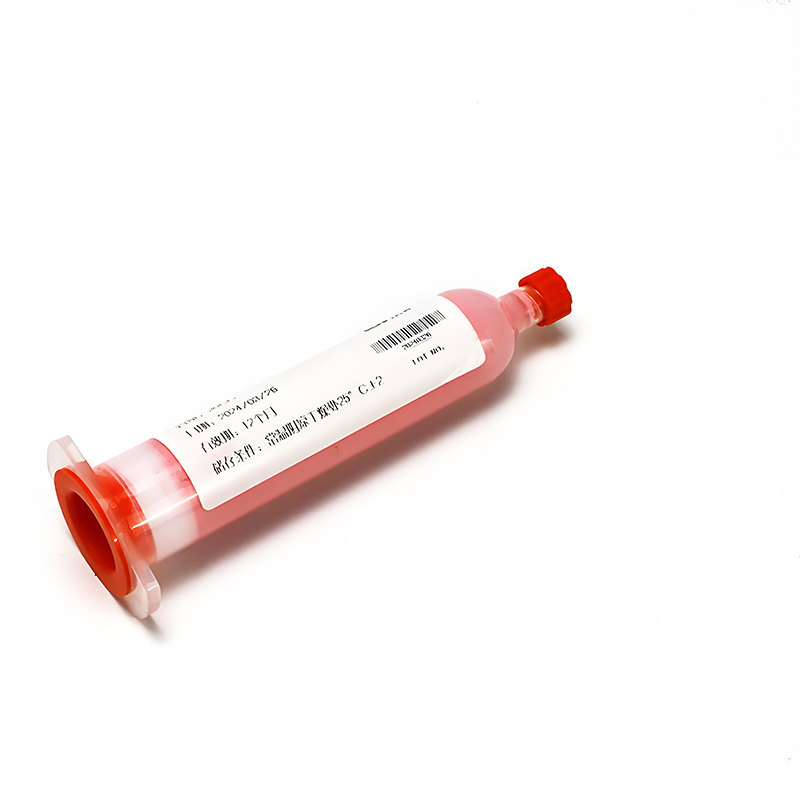
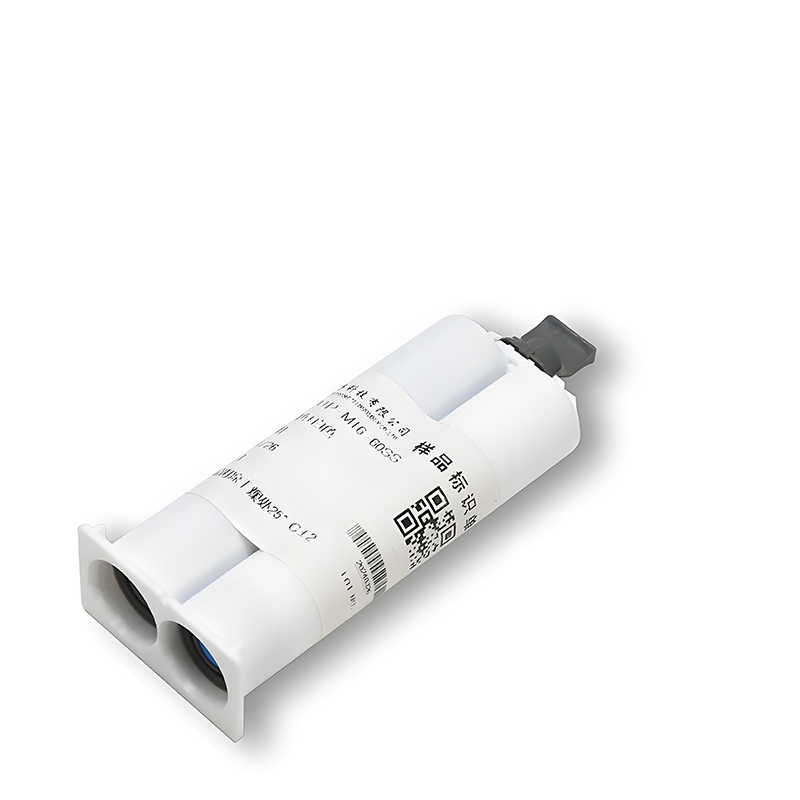
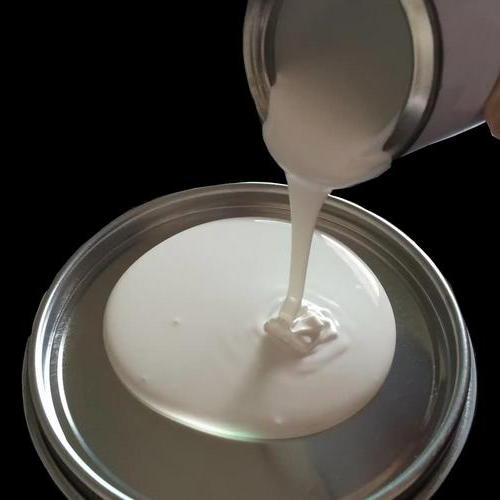
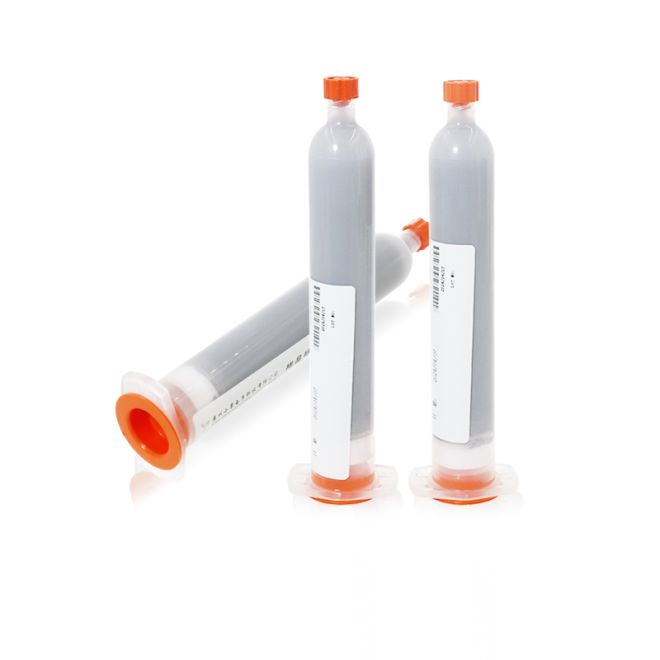
For light gaming, the 1W/mk Thermal Grease HRTP-M16-ZSN010NSG450 Series suits budget CPUs. Mid-range rigs can step up to the 2W/mk Thermal Grease HRTP-M16-ZSN020NSG450 Series, while high-end gaming and overclocking benefit most from the 4W/mk Thermal Grease HRTP-M16-ZSN040NSG650 Series.
🧊 Step-by-Step Guide to Applying Thermal Paste for Maximum Cooling
Correct paste application is as important as paste quality. A clean surface and proper amount can drop CPU temps and improve gaming stability.
1. Prep the CPU and Cooler Base
Shut down, unplug, then remove the cooler. Clean old paste from CPU and cooler with isopropyl alcohol and a lint-free cloth.
- Avoid paper towels
- Let surfaces dry fully
2. Apply the Right Amount of Paste
Use a pea-sized dot in the center for most desktop CPUs. Avoid spreading with fingers; the cooler pressure will spread it evenly.
3. Mount and Check Temperatures
Install the cooler in a cross pattern, tightening screws evenly. Boot into Windows and stress test with a game or benchmark to confirm safe temps.
⚙️ Common Thermal Paste Mistakes Gamers Make and How to Fix Them
Simple application errors can ruin cooling performance. Avoid these common mistakes to keep your gaming CPU running cool and stable.
1. Using Too Much or Too Little Paste
Too much paste can insulate and cause leaks; too little leaves air gaps. If temps are high, remount with a controlled pea-sized amount.
2. Reusing Old Paste After Cooler Removal
Once you lift the cooler, never reuse the old paste. Always clean both surfaces and apply fresh paste before remounting.
3. Ignoring Pump-Out and Aging
After years of heat cycles, paste can dry and crack. If idle and load temps rise over time, replace the thermal paste.
🏆 Why SpringGrass Thermal Paste Is Ideal for 2025 Gaming CPU Builds
SpringGrass formulas focus on stable thermal performance, easy use, and safety, making them strong choices for modern gaming PCs in 2025.
1. Tuned Options for Every Gaming Tier
You can choose a paste that matches your budget and CPU power level, rather than overpaying for performance you do not need.
2. Reliable Performance Under Long Gaming Loads
SpringGrass greases are designed to resist drying and pump-out, which keeps temps consistent even after many long gaming sessions.
3. Safe, Builder-Friendly Formulas
Non-corrosive, non-capacitive designs help protect motherboards. This makes them ideal for first-time builders and frequent upgraders.
Conclusion
Choosing the best thermal paste for gaming CPUs in 2025 means matching performance to your hardware, then applying it correctly. Better paste and clean mounting often reduce temperatures by several degrees.
Lower temps improve boost clocks, reduce fan noise, and keep frame times smooth. With proper care, your gaming CPU can stay fast and safe for years.
Frequently Asked Questions about cpu cooler paste
1. How often should I replace thermal paste on a gaming CPU?
For most gaming rigs, replace paste every two to three years, or sooner if you see a clear rise in temperatures or remove the cooler.
2. Does thermal paste brand really matter for gaming performance?
Yes, but within reason. Moving from cheap stock paste to a solid mid or high-tier paste can drop temps and prevent throttling in long gaming sessions.
3. Can too much thermal paste damage my CPU?
Non-conductive paste usually will not damage the CPU, but excess can spill over, trap heat, and make removal messy. Use only a small, pea-sized dot.





 Privacy settings